Data Viewer
All your sources, without leaving Praktik.
Full texts of laws and decisions, including amendment history and side-by-side version comparison.
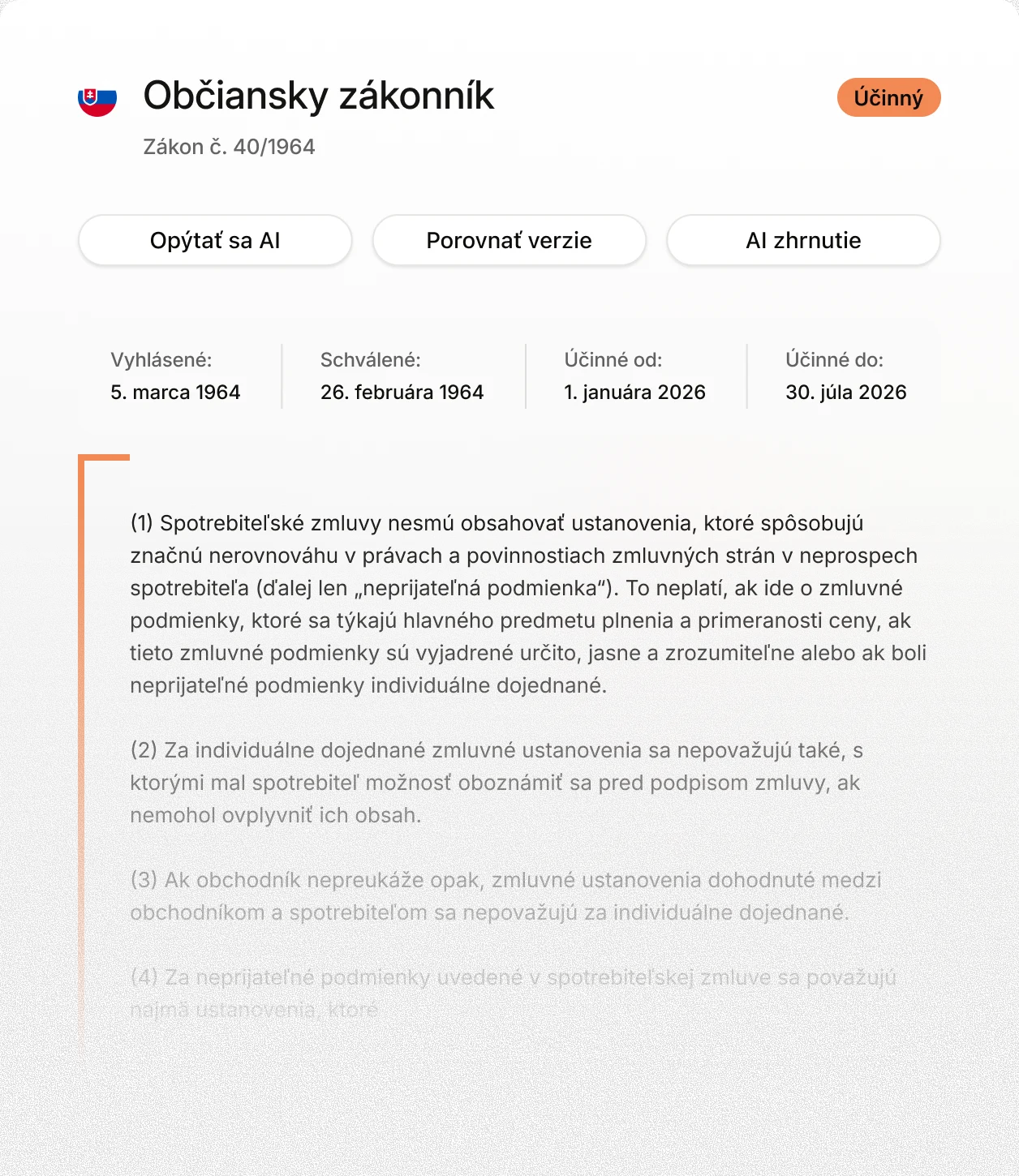





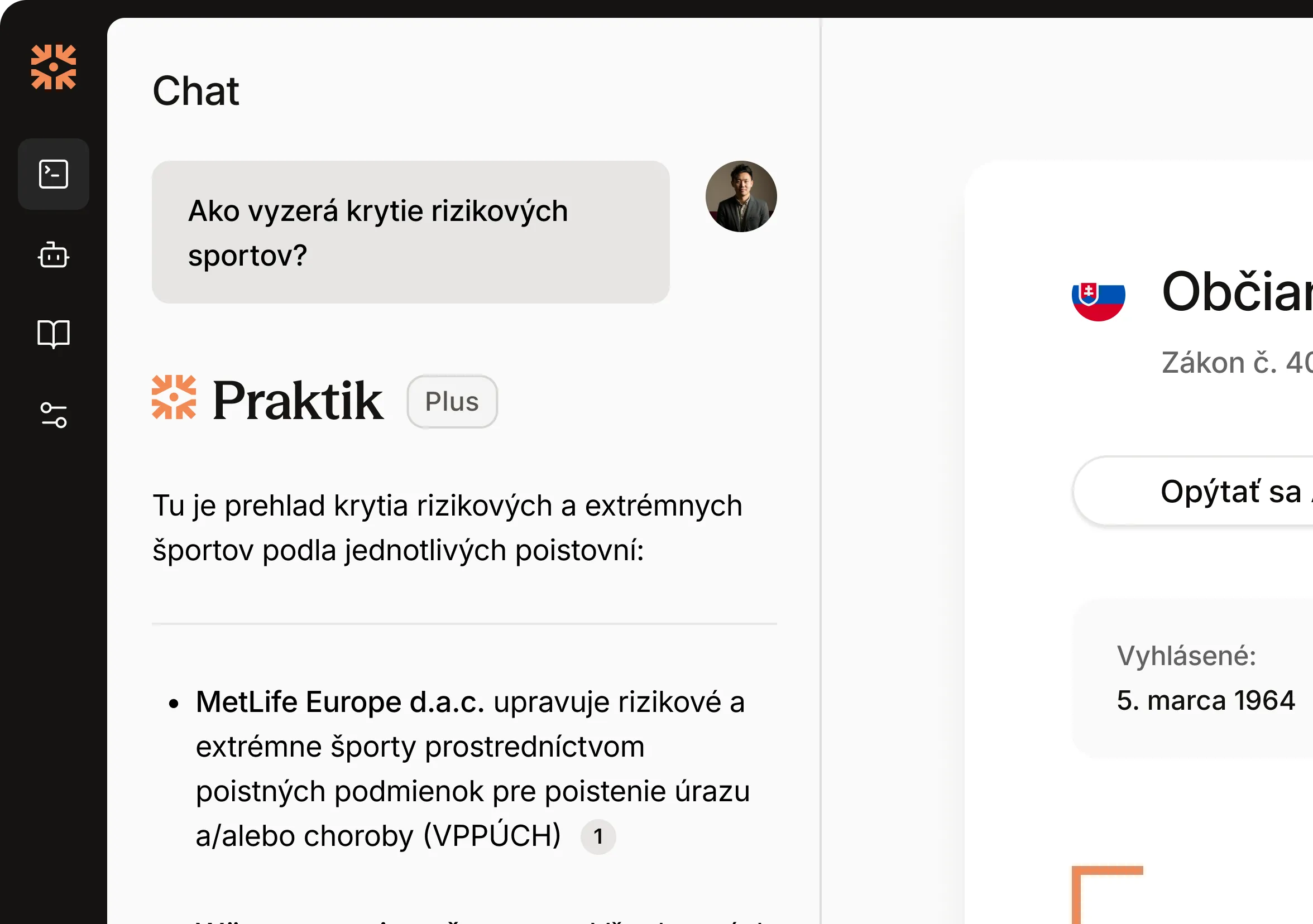
Sources right next to the chat
Click a citation in an answer and the text opens right next to the conversation. Find Slov-Lex, case law, and registers all in one place.
Seamless reading with previews
Every link appears as a quick preview directly in the text you are reading. Close it and continue exactly where you left off.
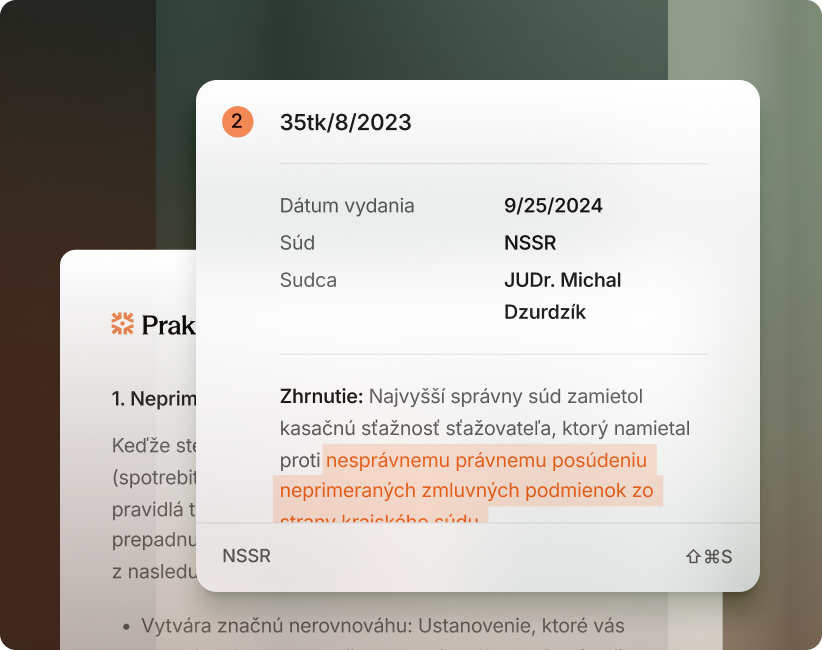
A judgment summary in 30 seconds
Praktik analyzes the decision in seconds and builds a clear timeline of the proceedings. Get the key points without reading the entire case file.
Work intelligently with legal text
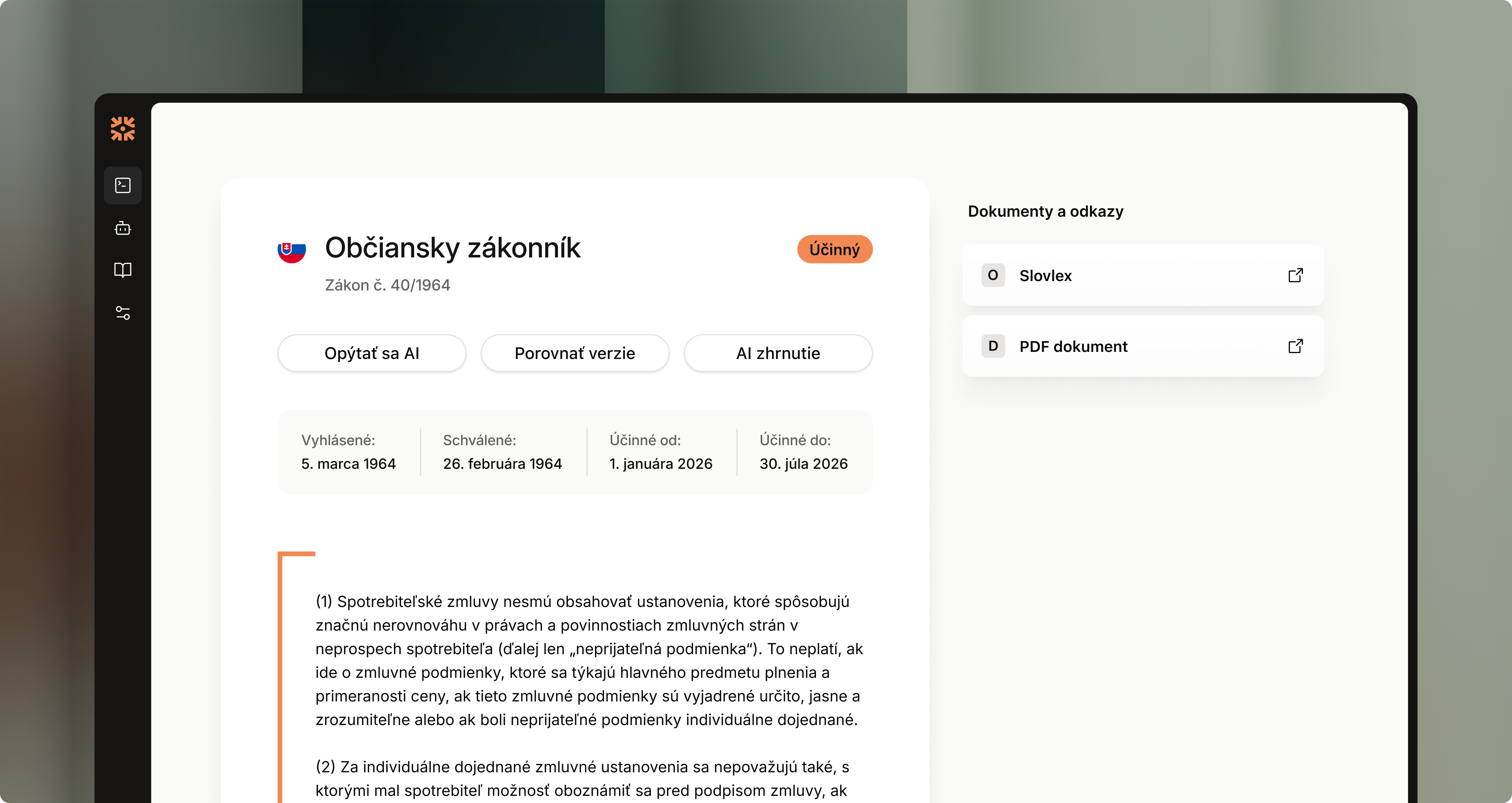
Open the document.
Praktik handles the rest.
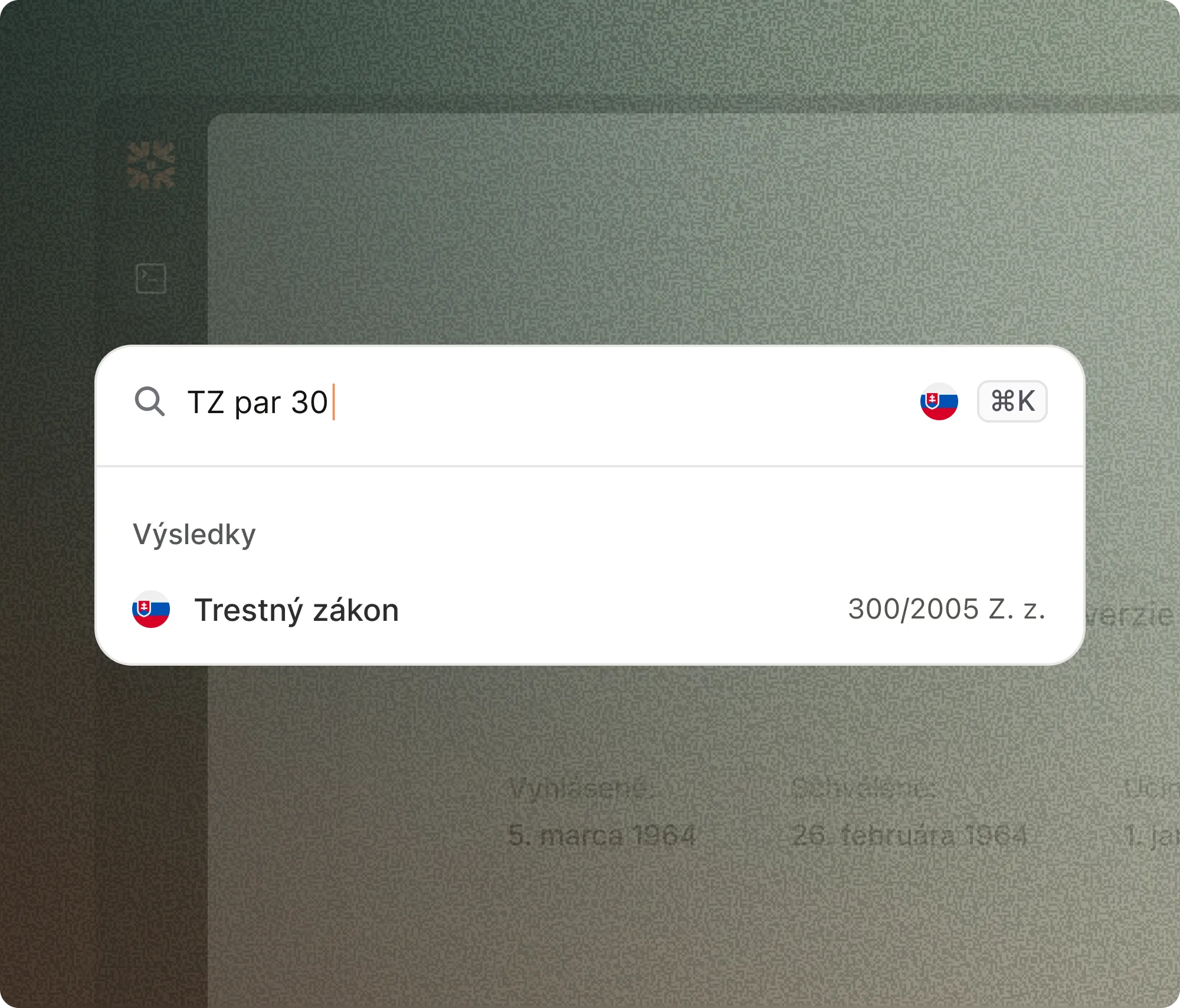
Open text from chat or search
Click a citation in an answer or enter a case or section number. Praktik immediately takes you to the relevant passage.
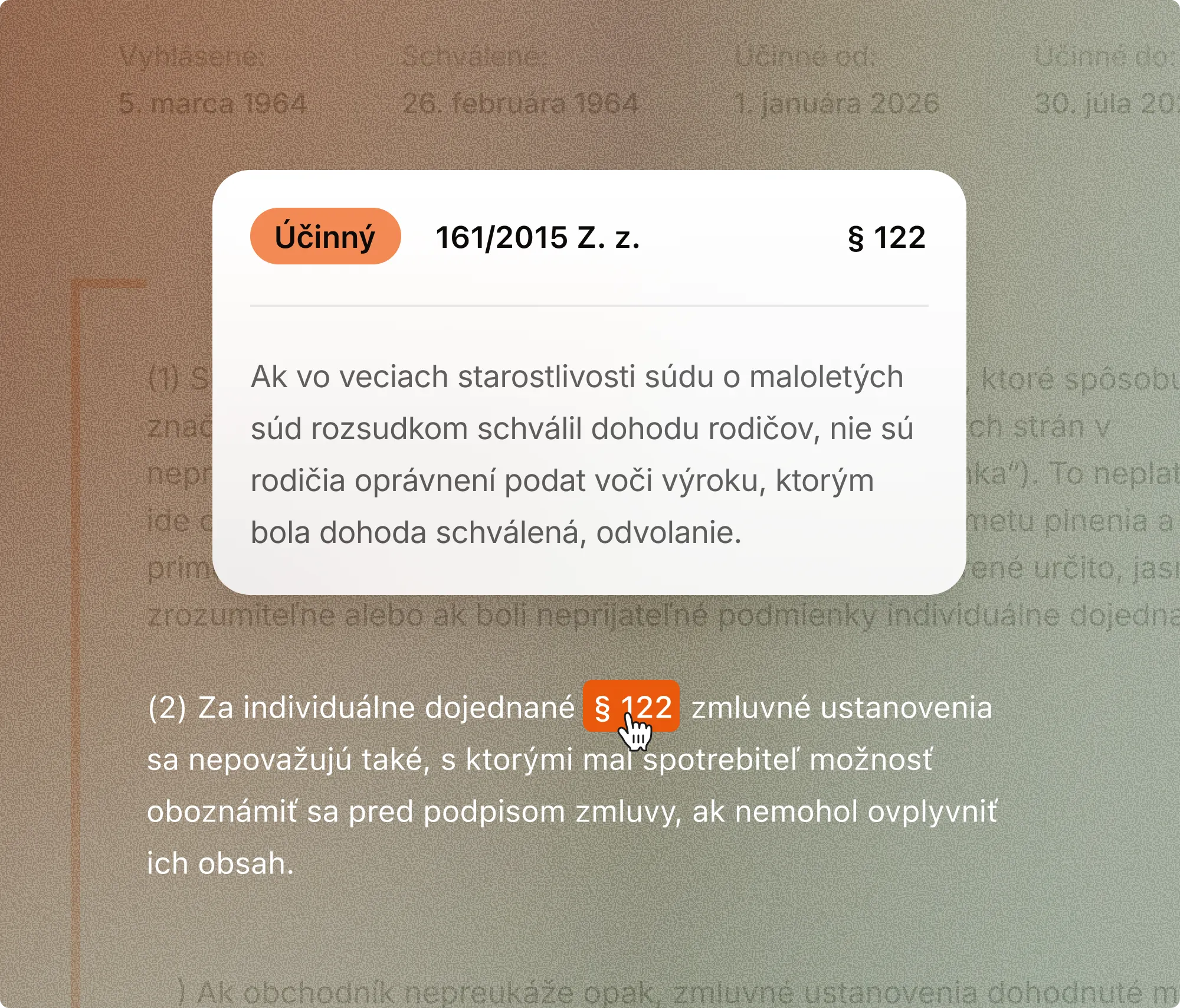
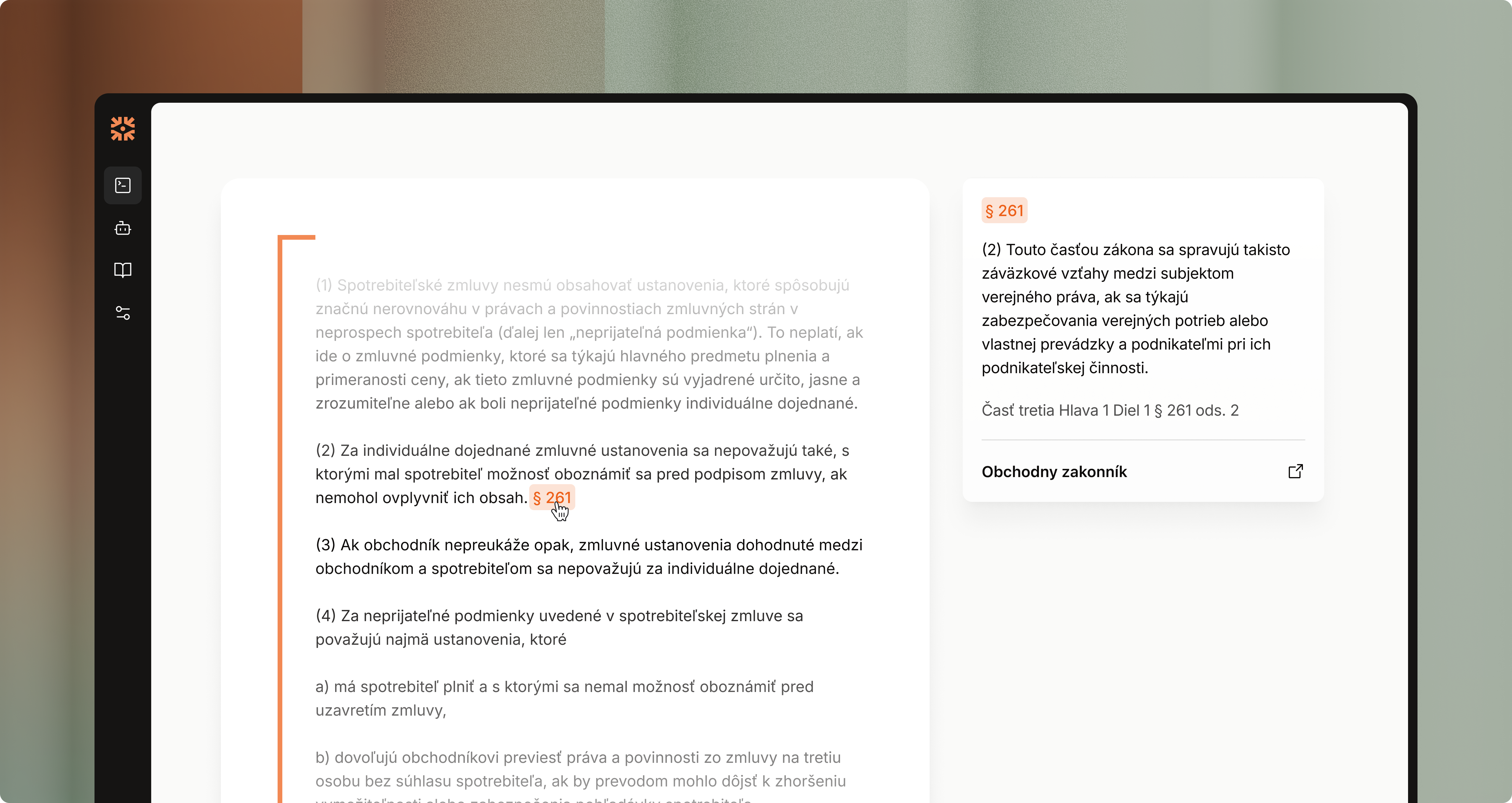
Follow links without losing context
A link in the text opens a preview of the referenced passage over the page. Close it to return immediately to your original place.
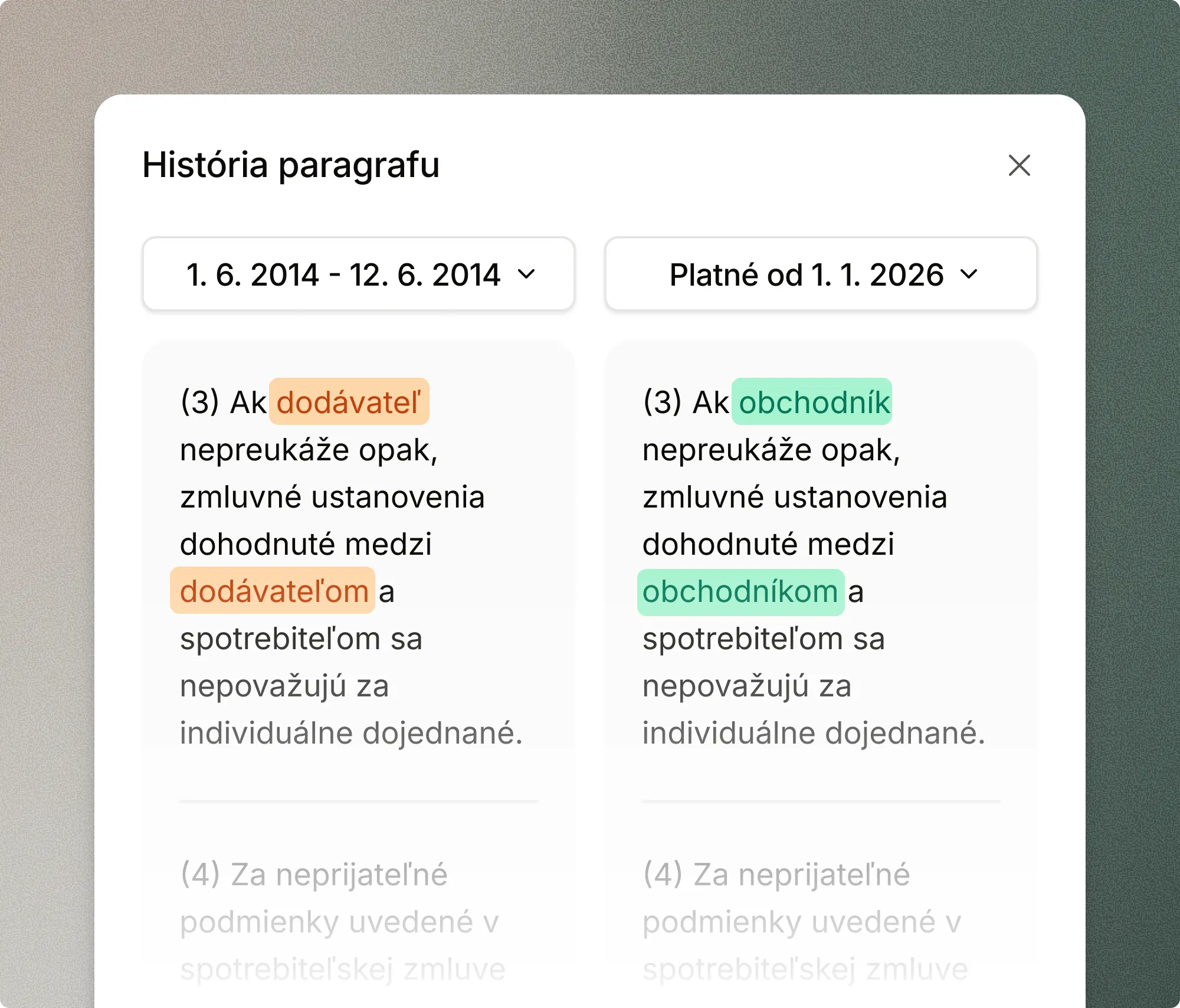
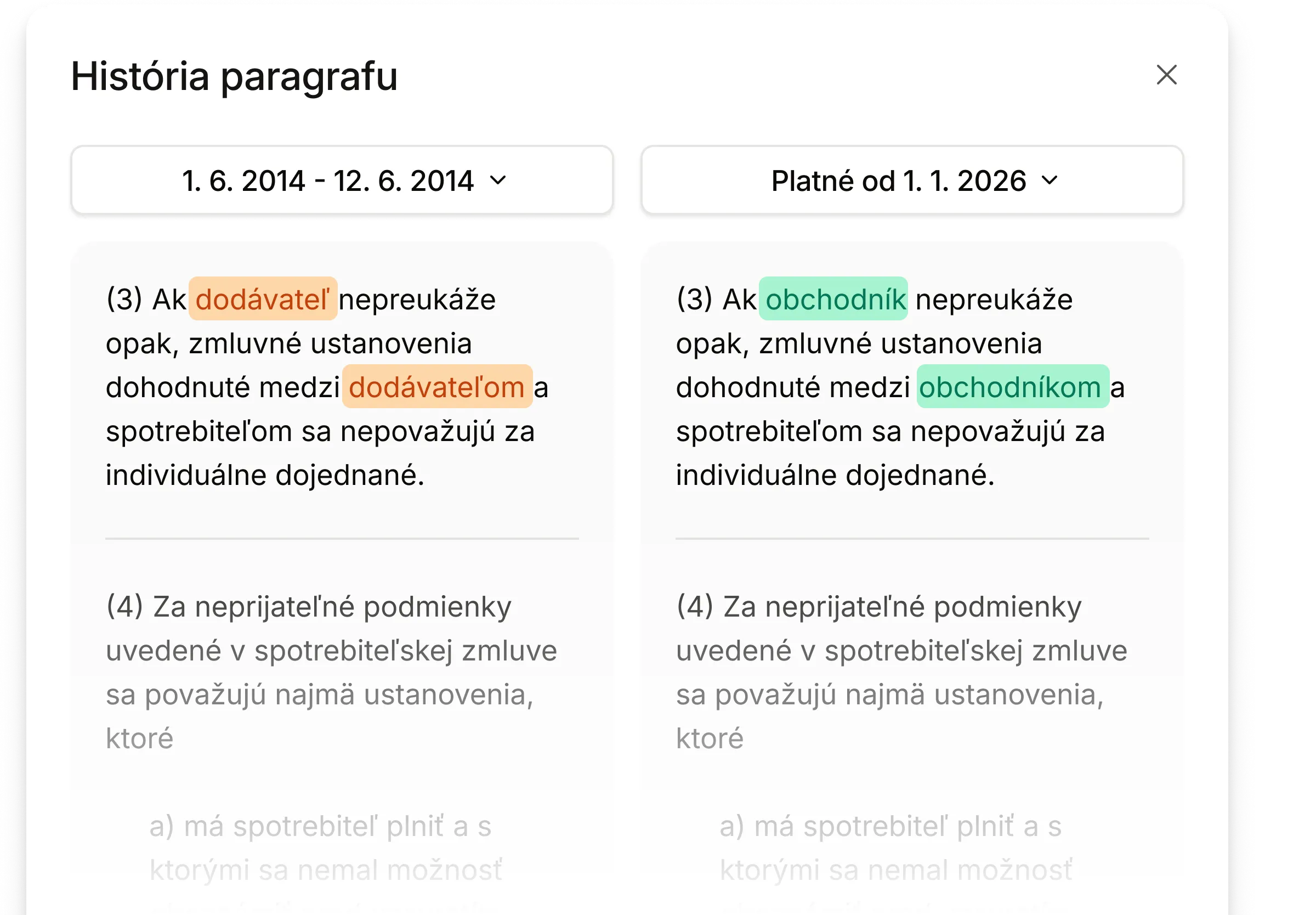
Compare versions before and after an amendment
Open the version history for any section. The old and new wording appear side by side with changes highlighted in color.
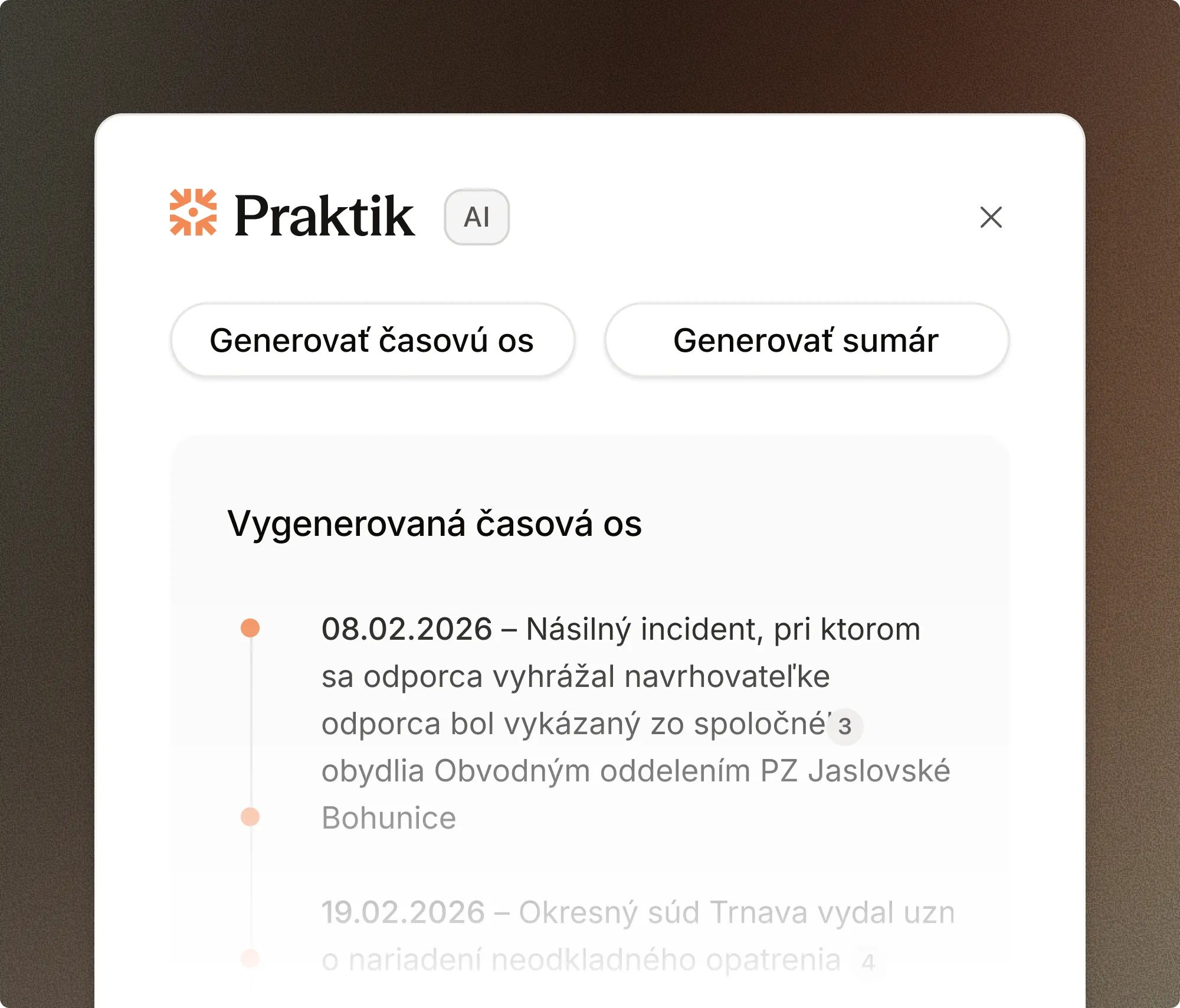
Run an AI action on selected text
Select a passage and choose an action—a summary or timeline. Praktik works with the full document context and tailors the output accordingly.
Legal texts, the way they should work
No bookmarks. No switching between portals. No getting lost in the text.
Inline link previews
Click a link in a law or decision to open a preview within the text. There is no need to leave the document. Close it and you return exactly where you left off.
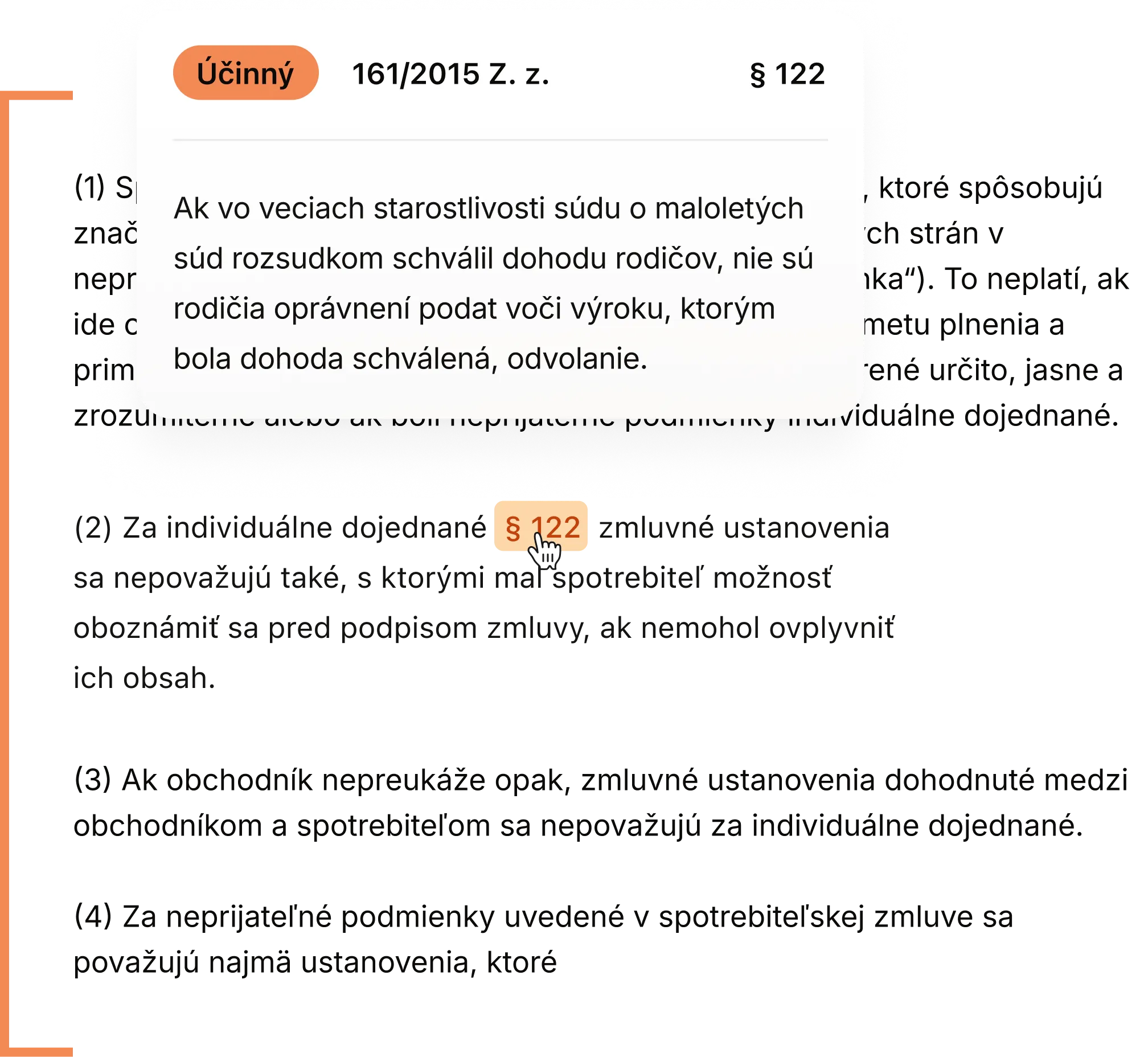
Chat directly with a document
Open a law or decision and ask anything about it. Praktik uses the entire document to answer in context and place it within the wider framework of legislation and case law.
Compare versions over time
See what a section said before and what it says today. The tool displays both versions side by side and highlights every change in colour.
Everything Praktik Data Viewer can do.
From full-text search to Word integration, your most-used tools are just one click away.
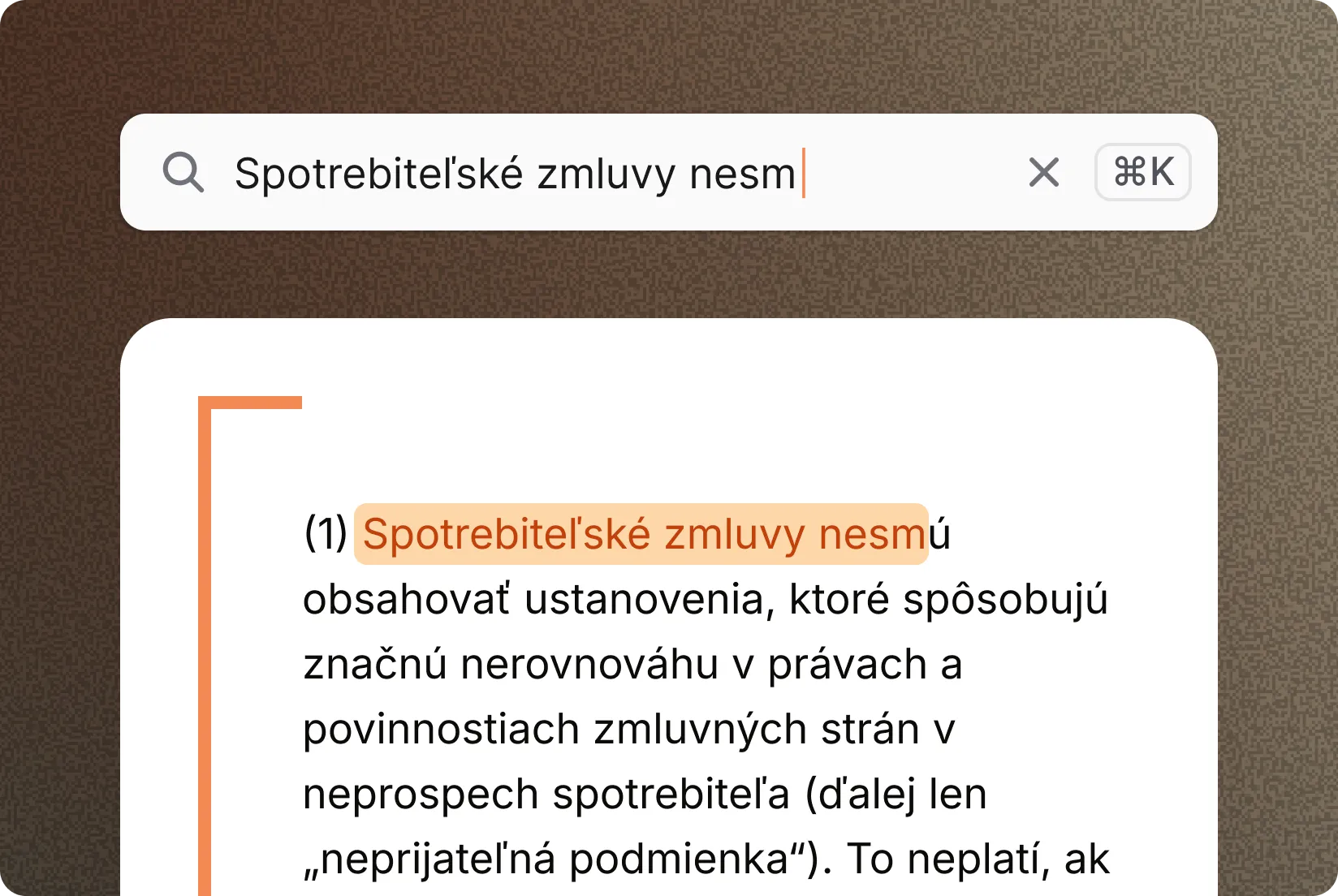
Search with context
Search within an open document. Find any term in an open law or decision. Praktik highlights every occurrence and displays them together with the surrounding text, so you can move between results without leaving the document.
- Search within an open document: Instantly locate the terms you need.
- Contextual view: See every citation clearly organized alongside its surrounding text.
- Seamless workflow: Move between individual results without leaving the document you are reading.
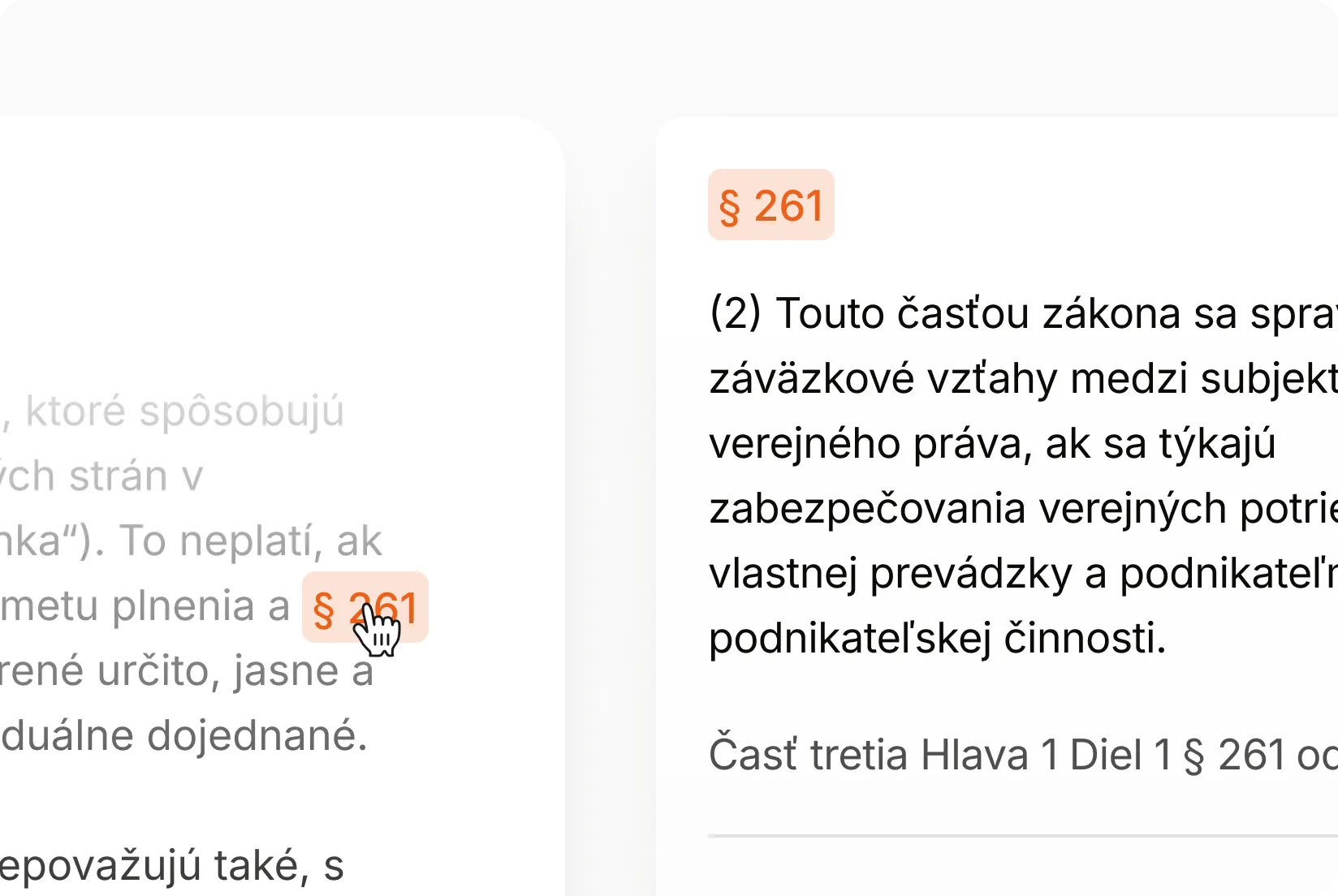
Structured decision summary
Praktik generates a summary of a court decision, including the parties, subject matter, outcome, and key arguments. Get the summary instantly and export it as a PDF.
- Clear format: The text is divided into clear thematic sections and specific fields.
- Quick navigation: Clickable links take you directly from the analysis to the cited passages.
- PDF format: Download and save the output for your case file at any time.
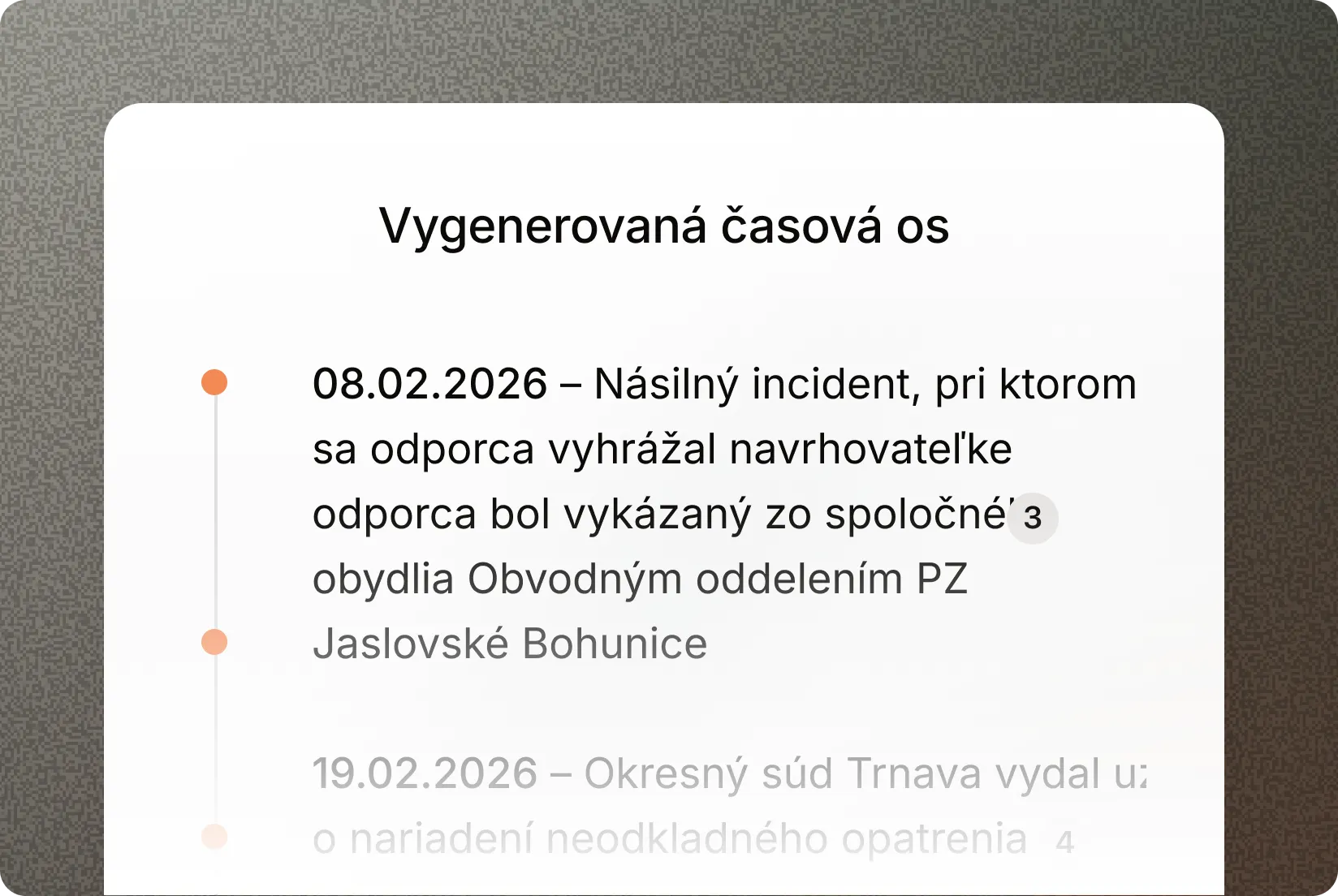
Proceedings timeline
Based on the decision, Praktik creates an overview of procedural steps and previous decisions. Ideal for disputes that have lasted for years or are being heard by multiple courts.
- Automatic extraction: Identifies every important event and deadline related to the proceedings.
- Visual overview: See procedural steps arranged on a timeline with clickable links directly in the text.
- Clarity in disputes: Navigate cases being heard across multiple levels of court.
Jump between citations from chat
Every citation in a Praktik answer is a direct link. Click it and the Document Viewer opens the exact paragraph—not just the document, but the specific passage.
- Precise targeting: Go from a citation directly to the relevant section, not the beginning of the document.
- Efficient navigation: Work without tedious scrolling or complicated searches.
- Direct connection: Verify a claim from chat in the primary legal source with one click.
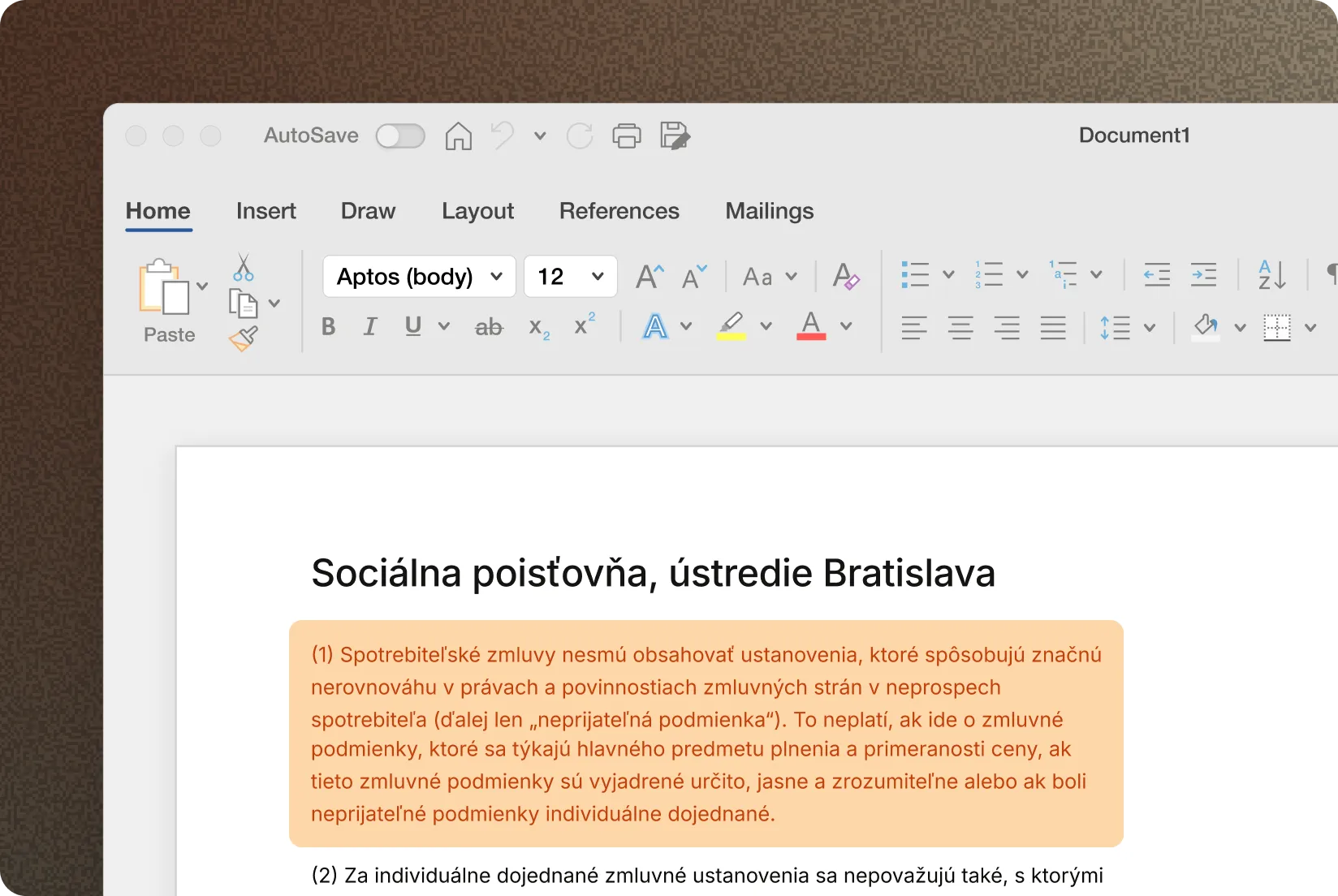
Word integration
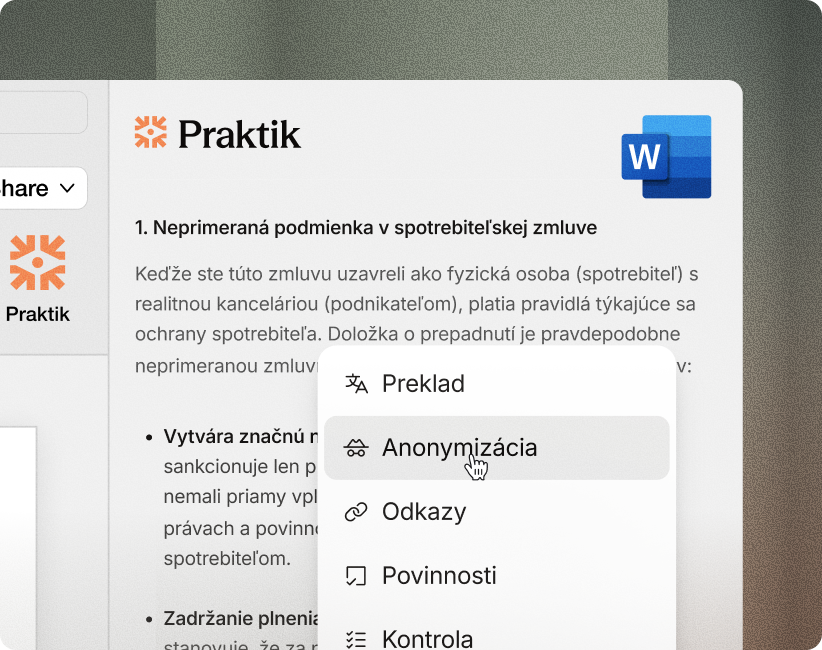
Open a decision in the Document Viewer, review it, and insert the citation directly into the Word document you are drafting. Avoid formatting errors and the risk of using the wrong version.
- Direct integration: Insert a verified citation from the Document Viewer directly into Word.
- Automatic formatting: References adapt to the standards of your legal practice.
- Pre-filing review: Quickly verify the document and its contents without manual retyping.
Security and compliance
Strict security standards designed specifically for the needs of law firms and legal practice.
- EU-only servers: Your information never leaves the European region and is fully encrypted.
- Strict GDPR compliance: Client information is protected to the highest legal standards.
- Confidentiality protection: Your information and uploaded files are never used to train AI models.
- Aligned with SBA standards: Praktik fully respects the Slovak Bar Association resolution on the use of artificial intelligence tools.
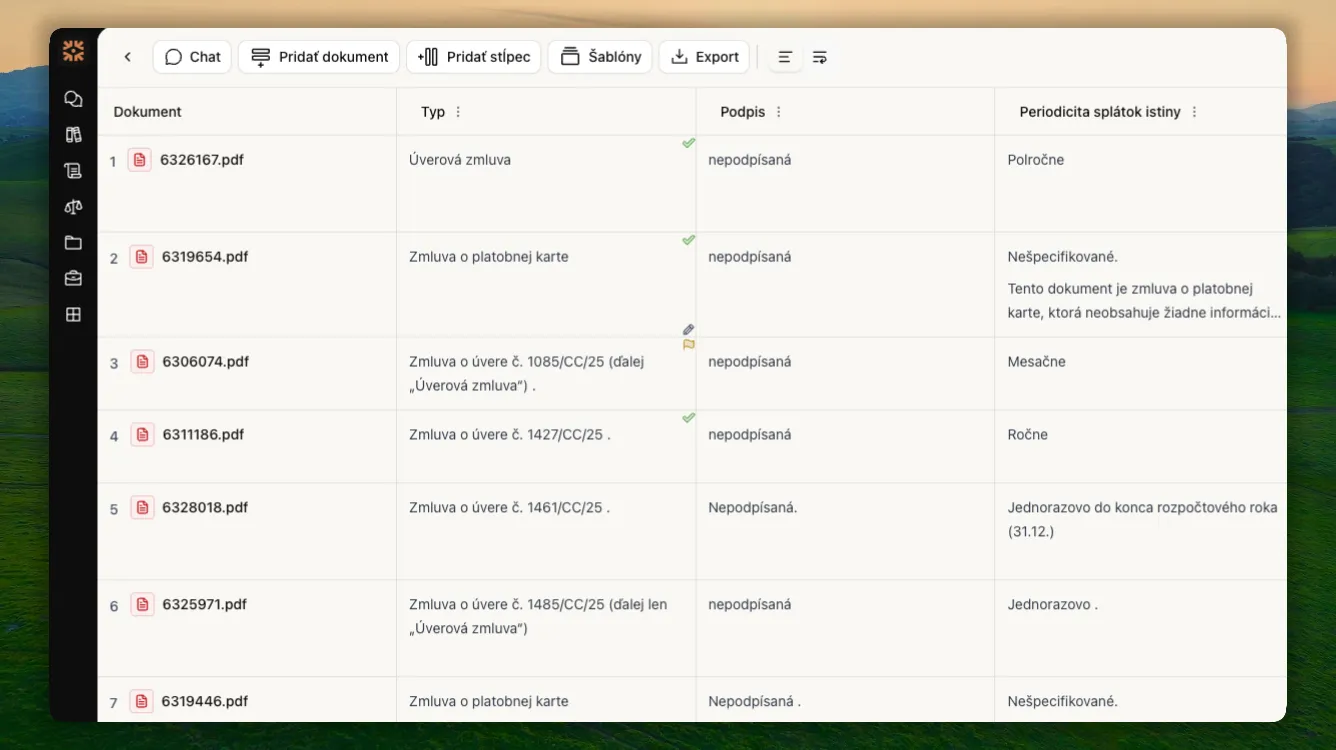
Due diligence on 100+ contracts without weeks of manual ctrl+F searches and copying into spreadsheets.
“It results in significant savings in administrative time — the back-office work, organizing documents, and searching. And that saved time can be devoted to what really matters.”

Damian PalaštaSIGNUM legal






Ordinary AI just guesses. Praktik knows.
Instead of the general internet, we draw exclusively from official Slovak and Czech registers. Every answer is immediately supported by a precise citation and source link.
More about legal sources


Designed to keep your data safe
We process all contracts and documents on protected European servers. We guarantee complete privacy and never use your data to train AI models.
Full security detailsFrequently asked questions
Answers to the most common questions about Praktik features and solutions.