Word Add-in
Praktik in the document you are working on
Chat, search for sources, and verify citations without having to leave the text you are working on. Every Praktik feature is always at hand.






Side panel within reach
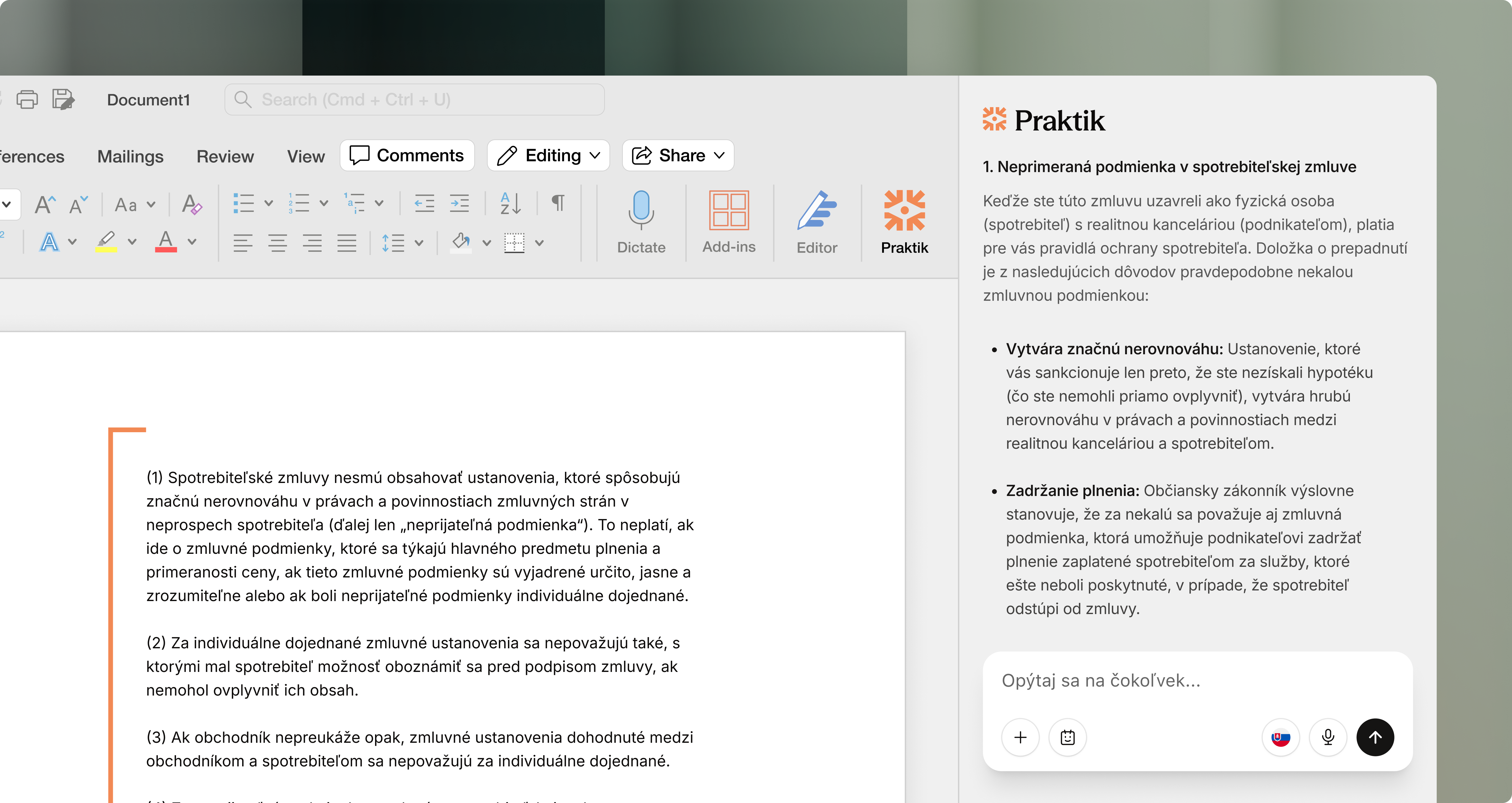
Praktik opens as an integrated side panel next to your document. Once installed, you will find it directly in Word.
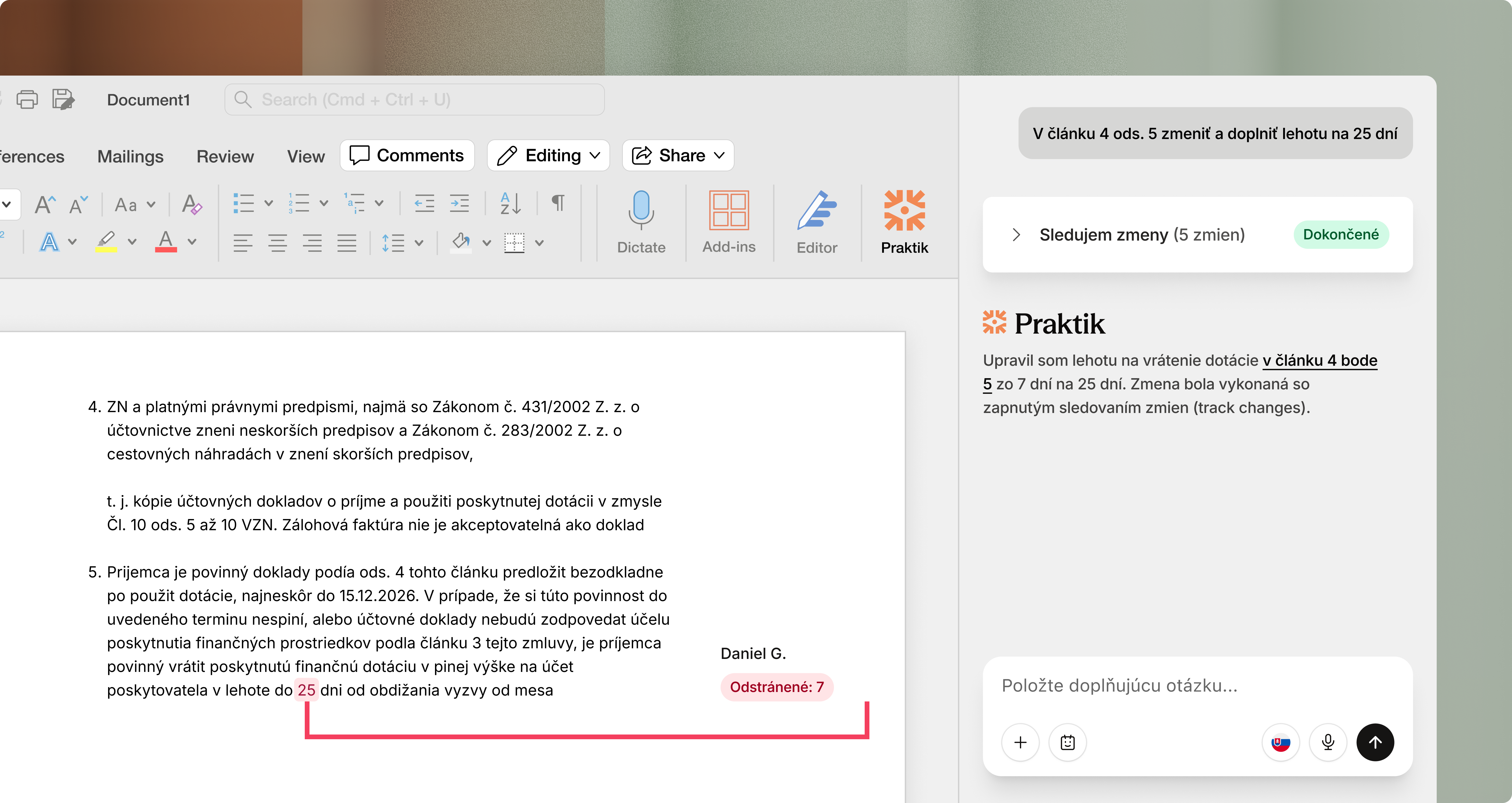
Suggestions via “track changes”
Praktik writes edits and revisions directly into your contract or filing. You can accept, edit, or reject the suggested changes.
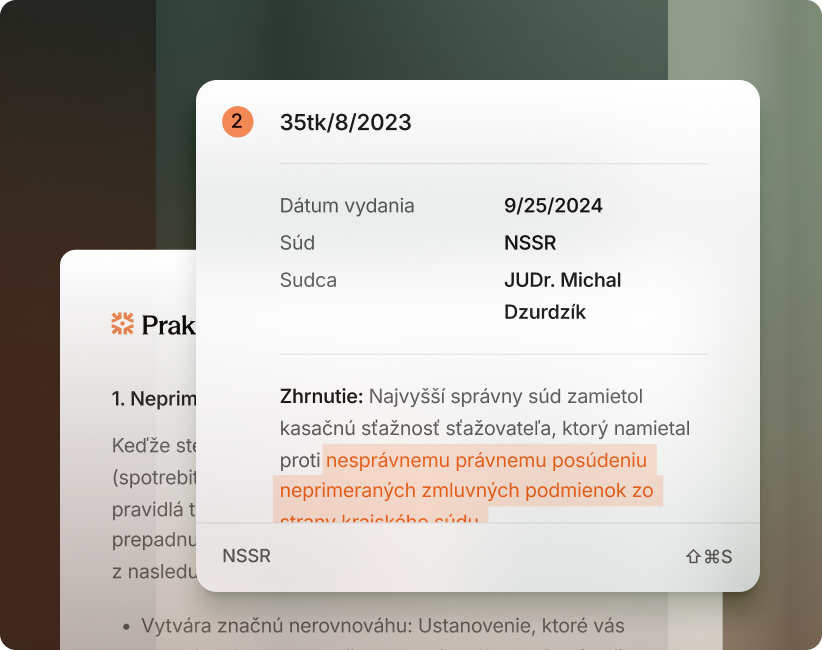
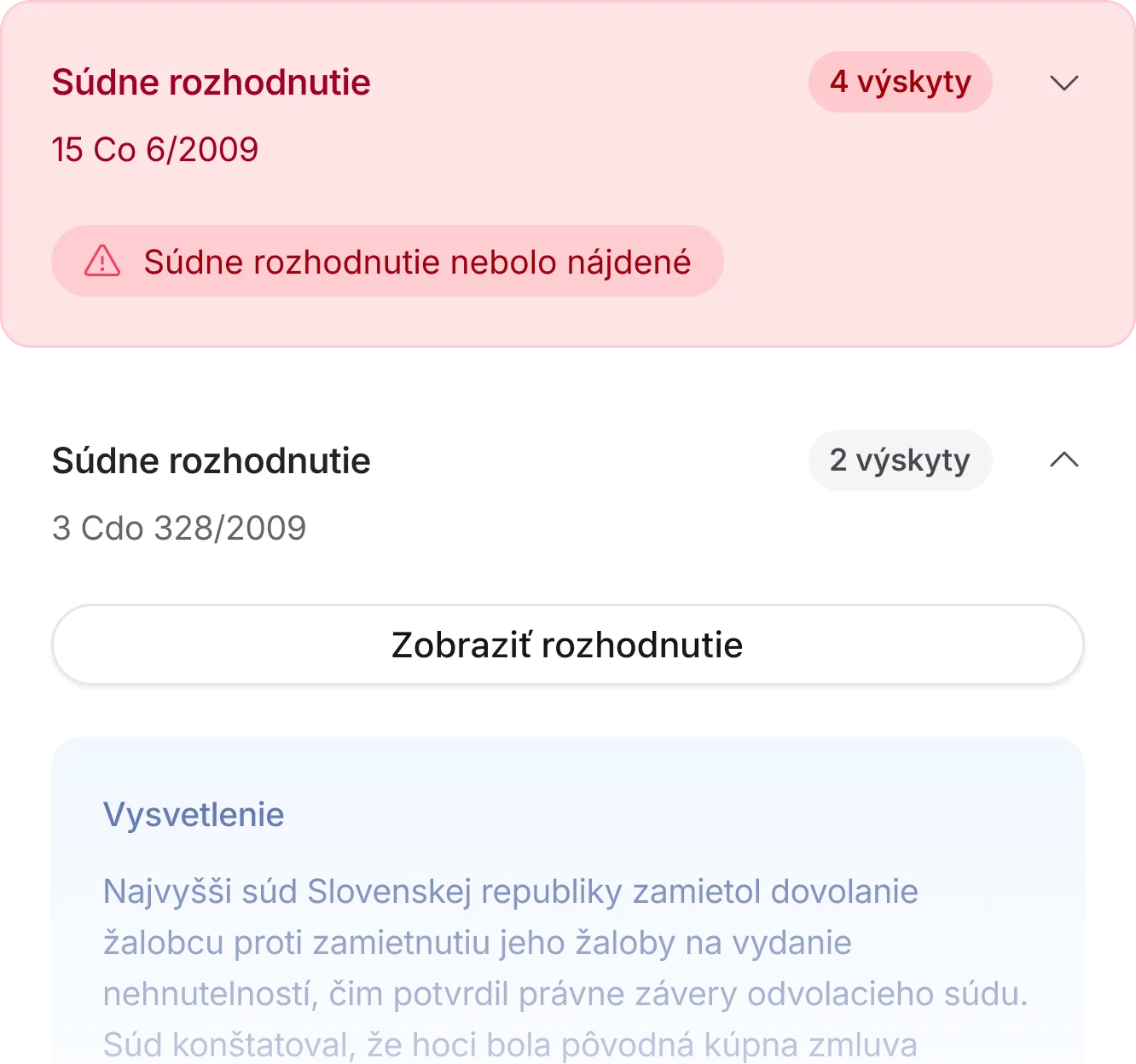
Instant argument verification
Verify every legal precedent directly in the text you are writing. Find out whether the case exists and whether it actually supports your claim.
Every Praktik feature in Word
Open Word.
Praktik is already inside.
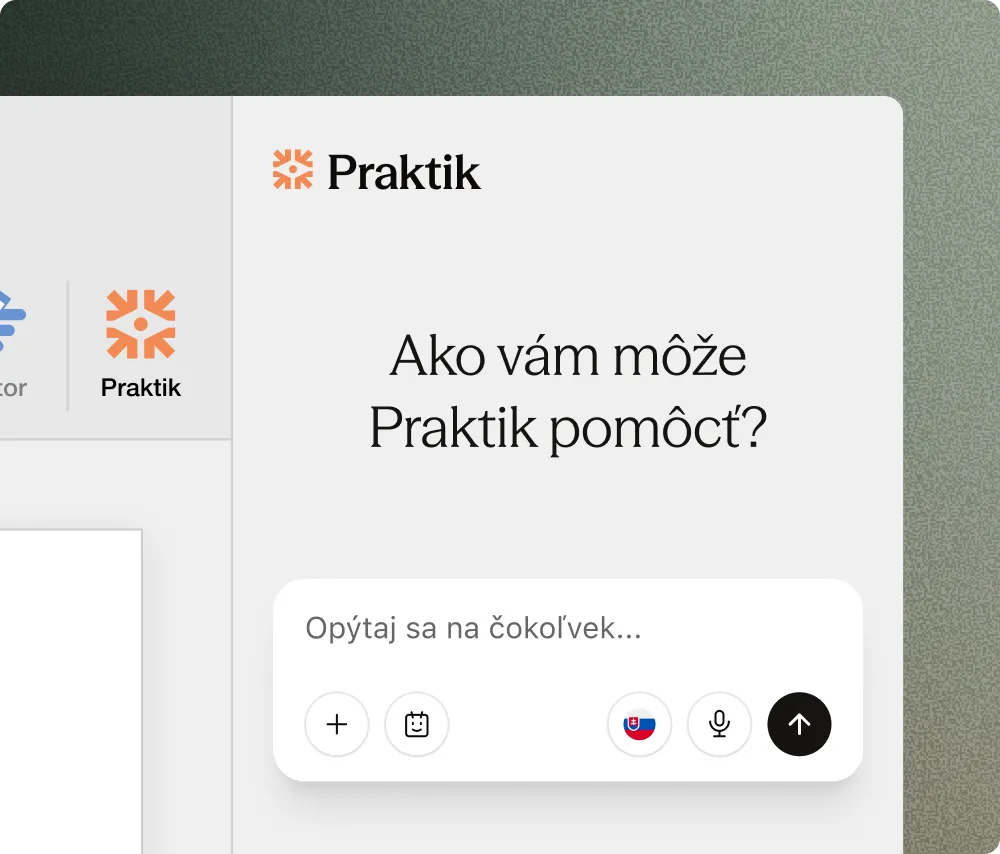
Open a document in Word
Open a contract, filing, or draft. Praktik automatically appears as a side panel directly beside your text.
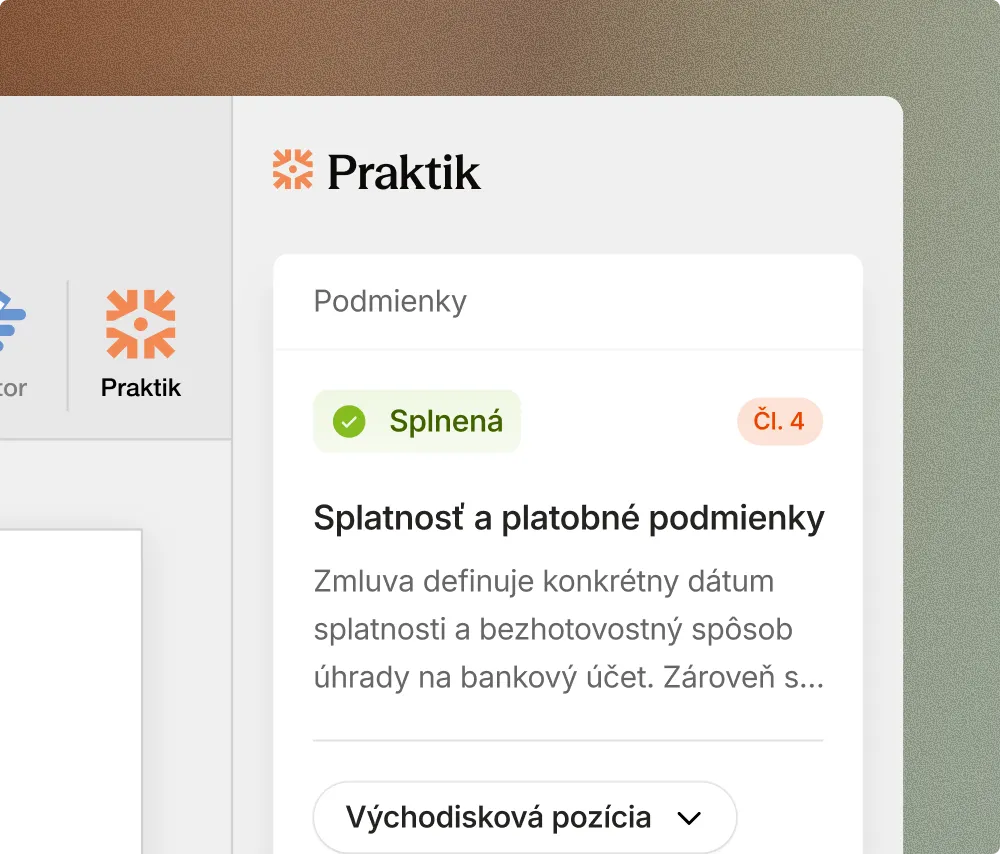
Run a review or browse sources
Ask a question, browse Slov-Lex and case law, or run a contract review using your approved playbook—all without leaving Word.
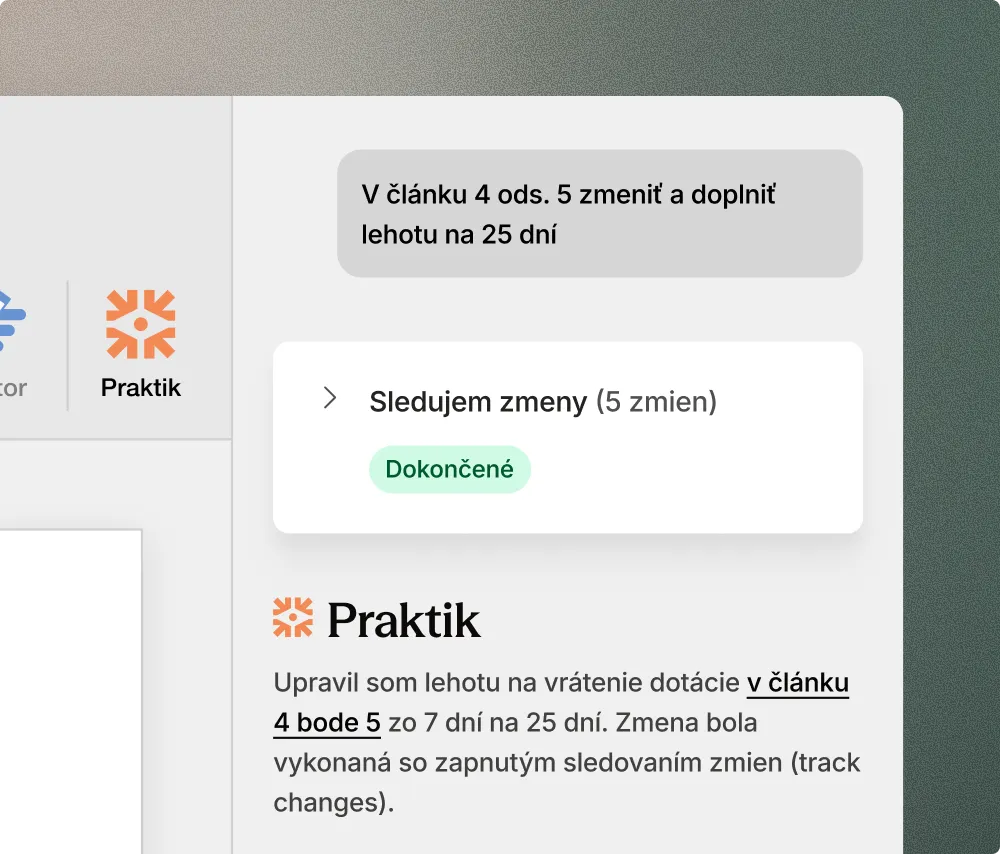
Process suggestions with Track Changes
Every suggested edit from Praktik appears directly in the text. Accept, modify, or reject it just like a standard revision.
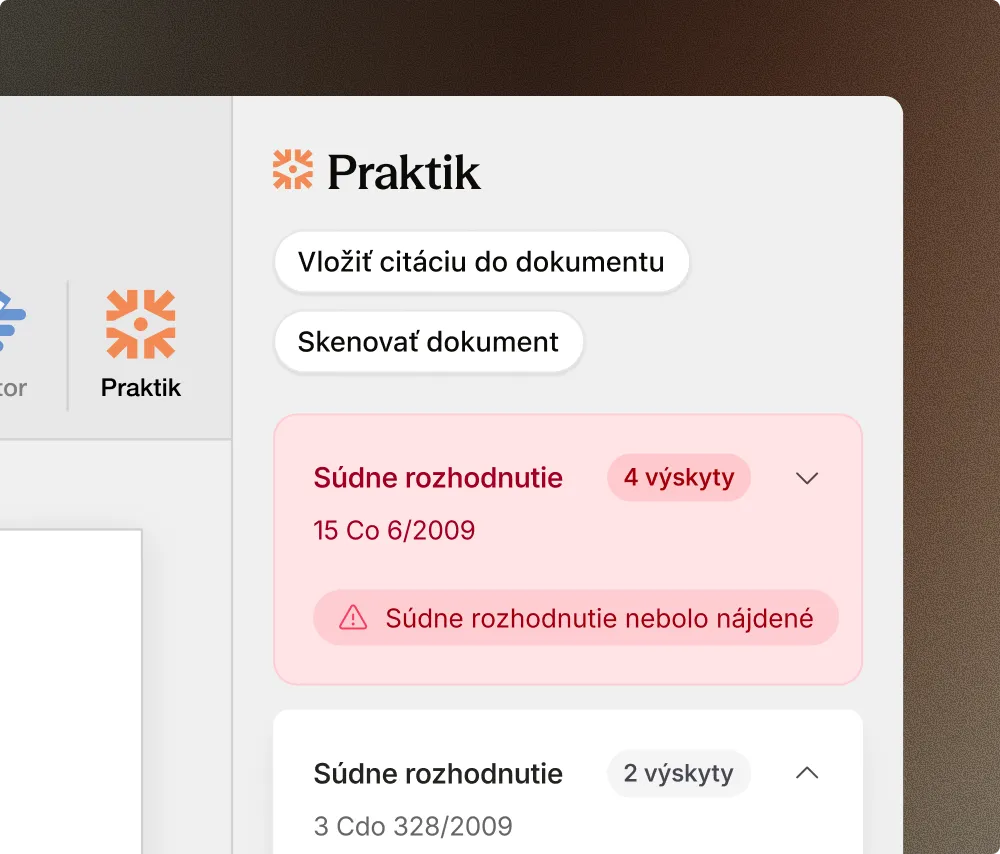
Insert a verified citation directly into the text
Open the decision in the source browser, review it, and insert it into the document. Praktik formats the citation and verifies that it genuinely exists.
Praktik directly in your document
No switching between apps. No changes to the way you work.
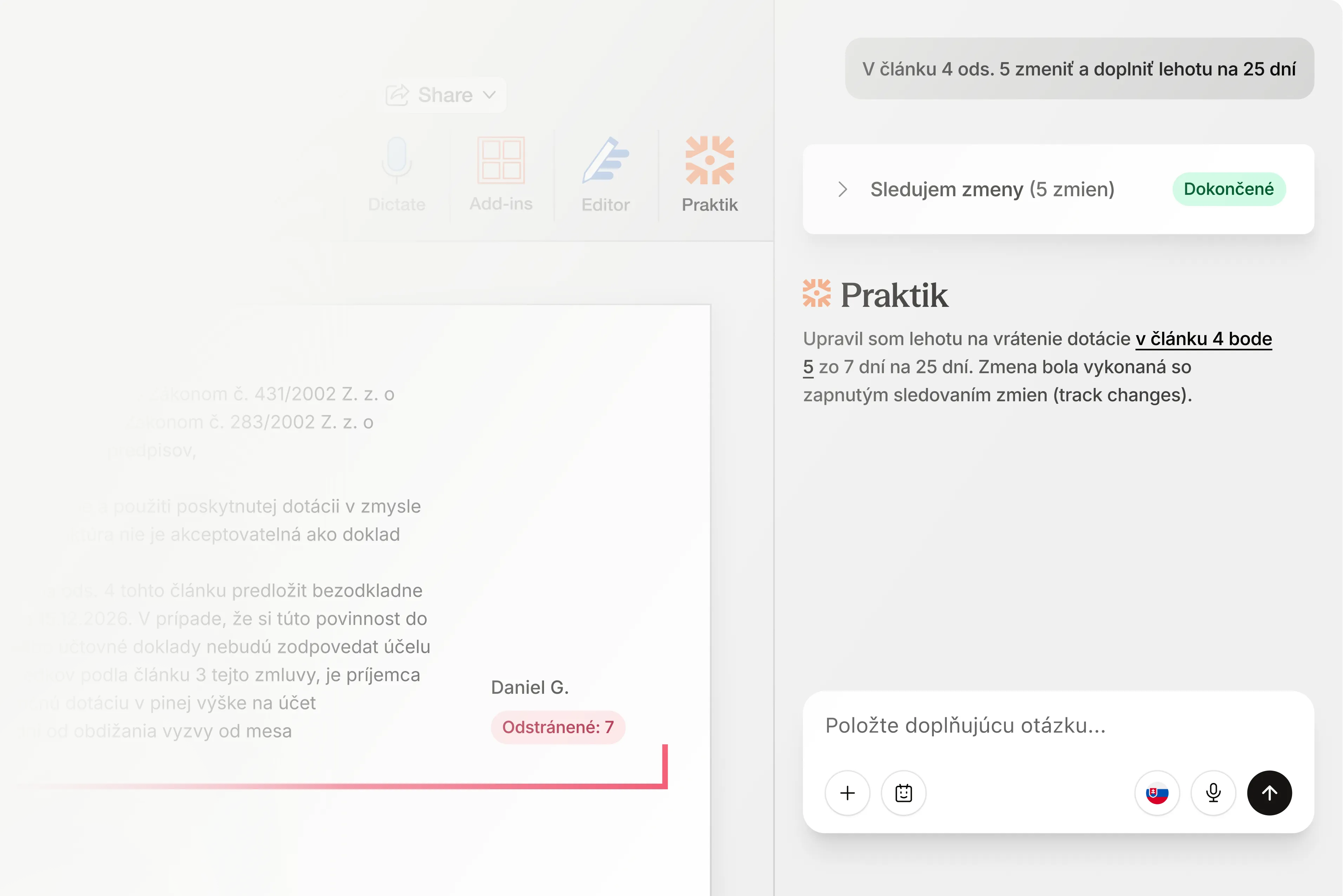
Track changes directly in Word
Every Praktik suggestion appears as a change in the text. Accept, edit, or reject it just like a revision from a colleague.
Citation verification against hallucinations
Praktik checks every cited decision to verify that it actually exists and genuinely supports the specific claim in your text. Verified citations are automatically linked.
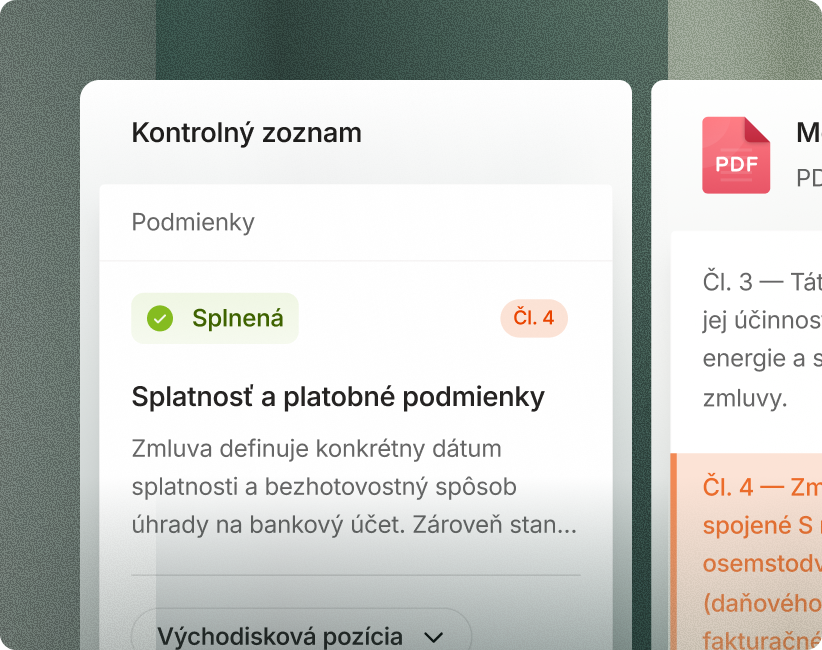
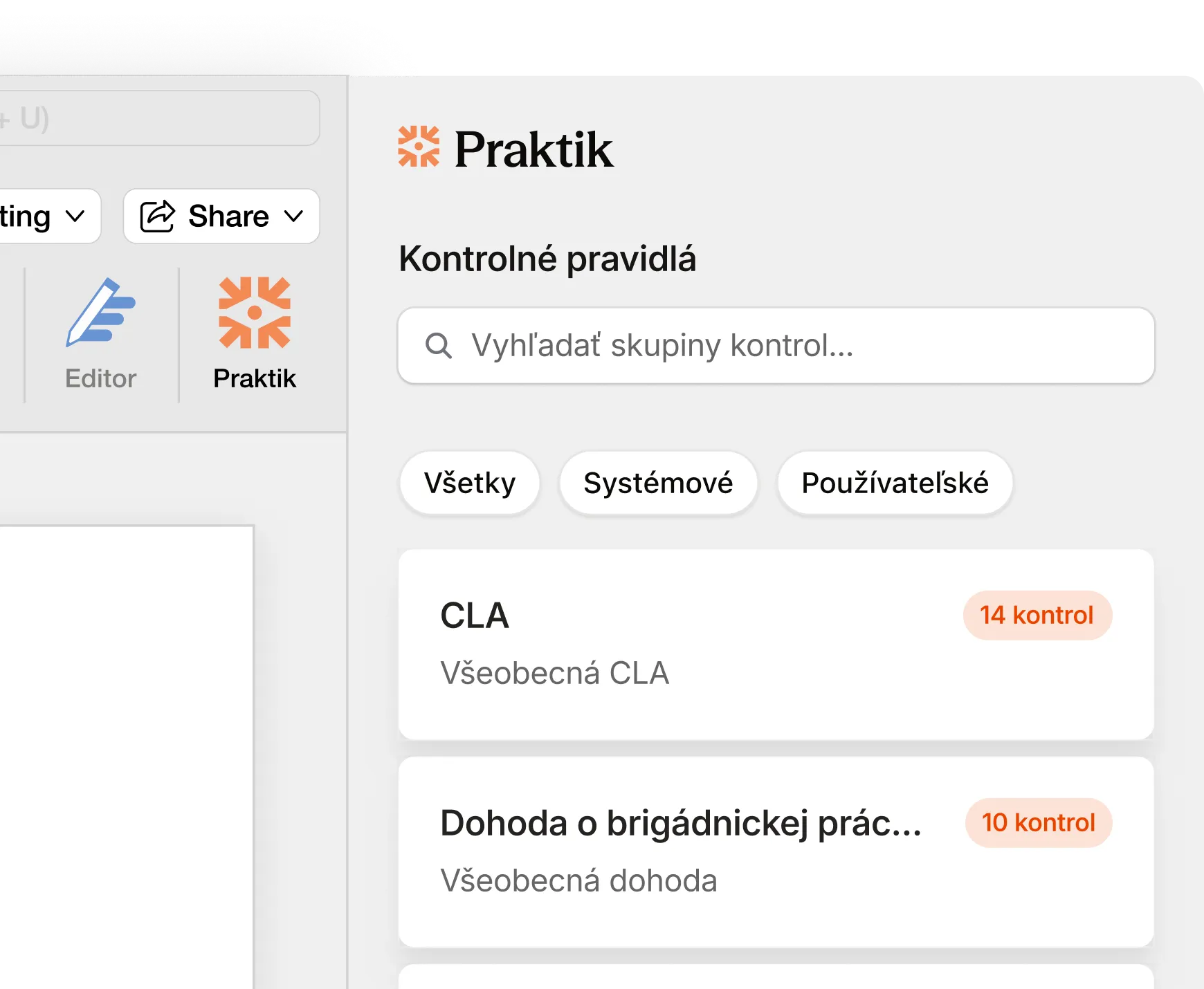
Contract review with checklists
Use the same checklists as on the web platform directly in the Word side panel. Results link to specific paragraphs in your document.
Everything the Praktik Word Add-in can do.
From a comprehensive contract summary to anonymizing sensitive data. Everything directly in the file you are working on.
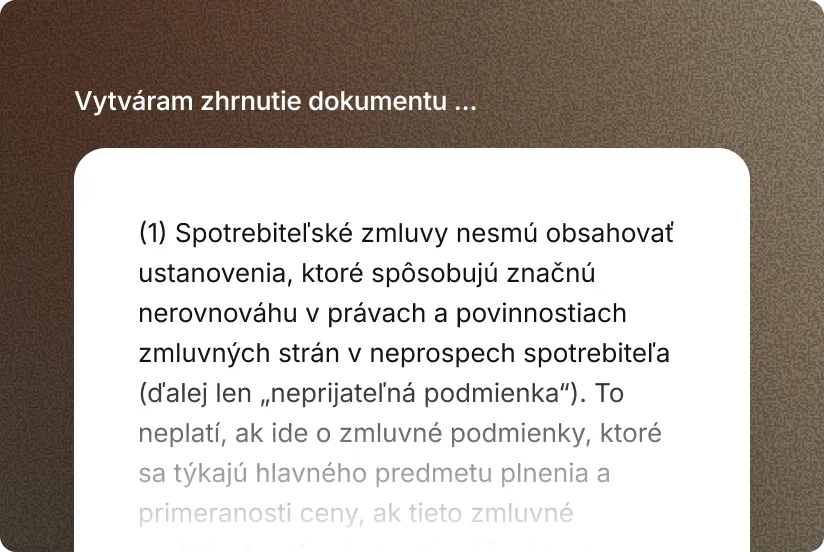
Document summary
Praktik summarizes a contract, filing, or decision. It captures the parties, subject matter, outcome, and legal basis without requiring you to read the full text.
- Key information: See an overview of the essential points directly in the side panel.
- Obligation identification: Instantly identify statutory obligations and risks arising from the file.
- Quick overview: Get a concise framework before reviewing the document in detail.
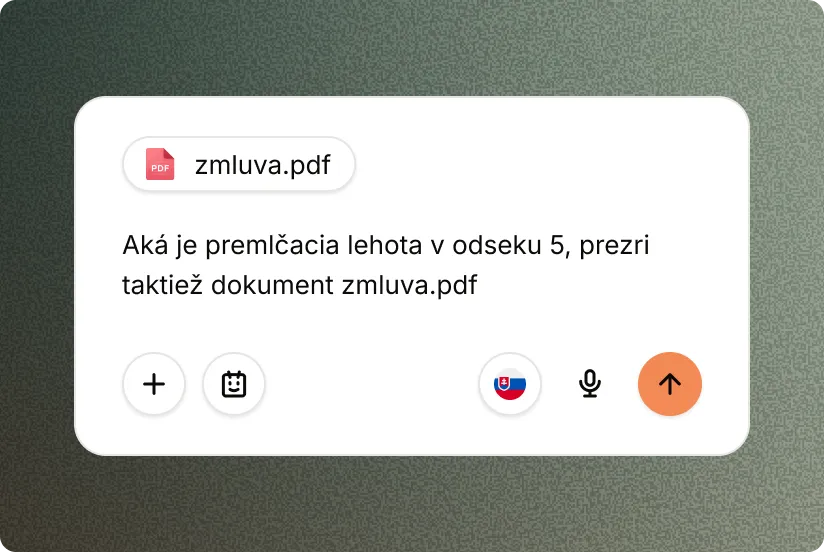
Questions about the document
Ask Praktik anything about the file you have open. The answer includes references to relevant legislation, case law, and the document itself, including notes.
- Contextual drafting: Ask directly about the content you are currently writing and developing.
- Connected registries: Access links to external registries and details from internal documents in one place.
- Saved continuity: Conversation history remains linked to your active Word session.
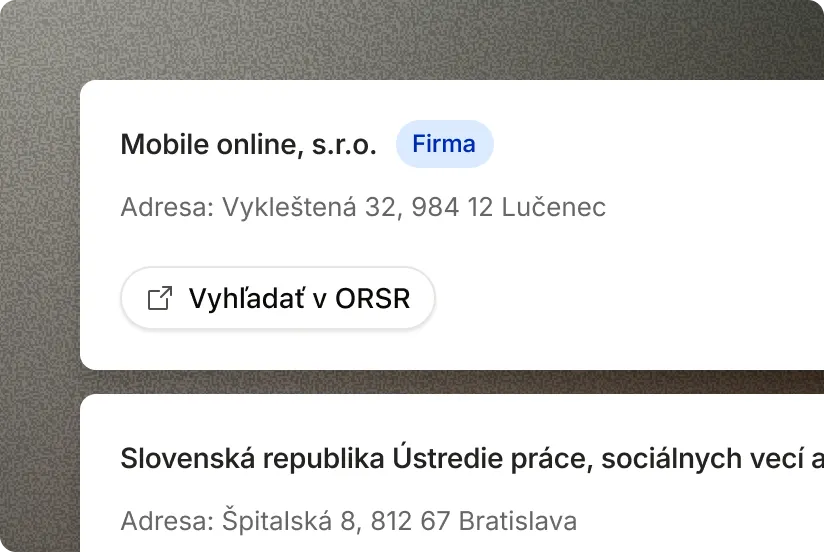
Obligation extraction
Praktik reviews an extensive contract and extracts specific obligations, deadlines, and parties. Turn dozens of pages into a clear structure of tasks.
- Obligations in a table: See deadlines, figures, and requirements clearly organized in one table.
- Clear accountability: Obligations are assigned precisely to the relevant contracting parties.
- Meeting deadlines: Reduce the risk of missing important deadlines in complex contracts.
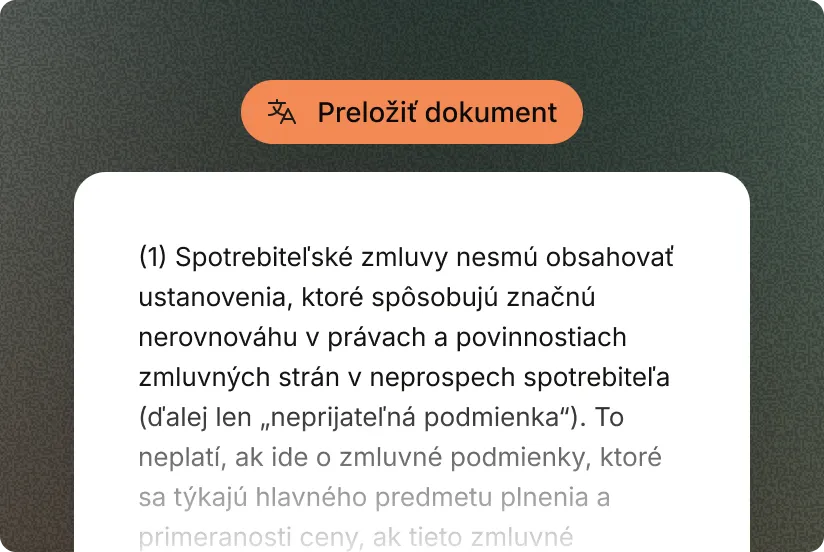
Legal translation
Translate an entire document or only a selected section. Praktik rigorously preserves specialized legal terminology and formatting when translating between Slovak, Czech, and English.
- Multilingual support: Accurate translations for SK, CZ, EN, and other languages.
- Structure preserved: Formatting and the document’s overall structure remain unchanged throughout.
- Terminological consistency: The translation strictly follows established legal terms and definitions.
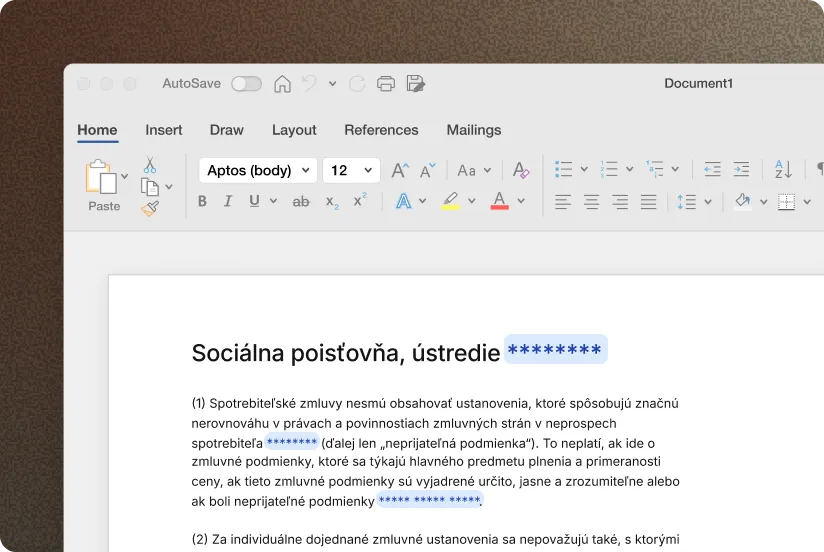
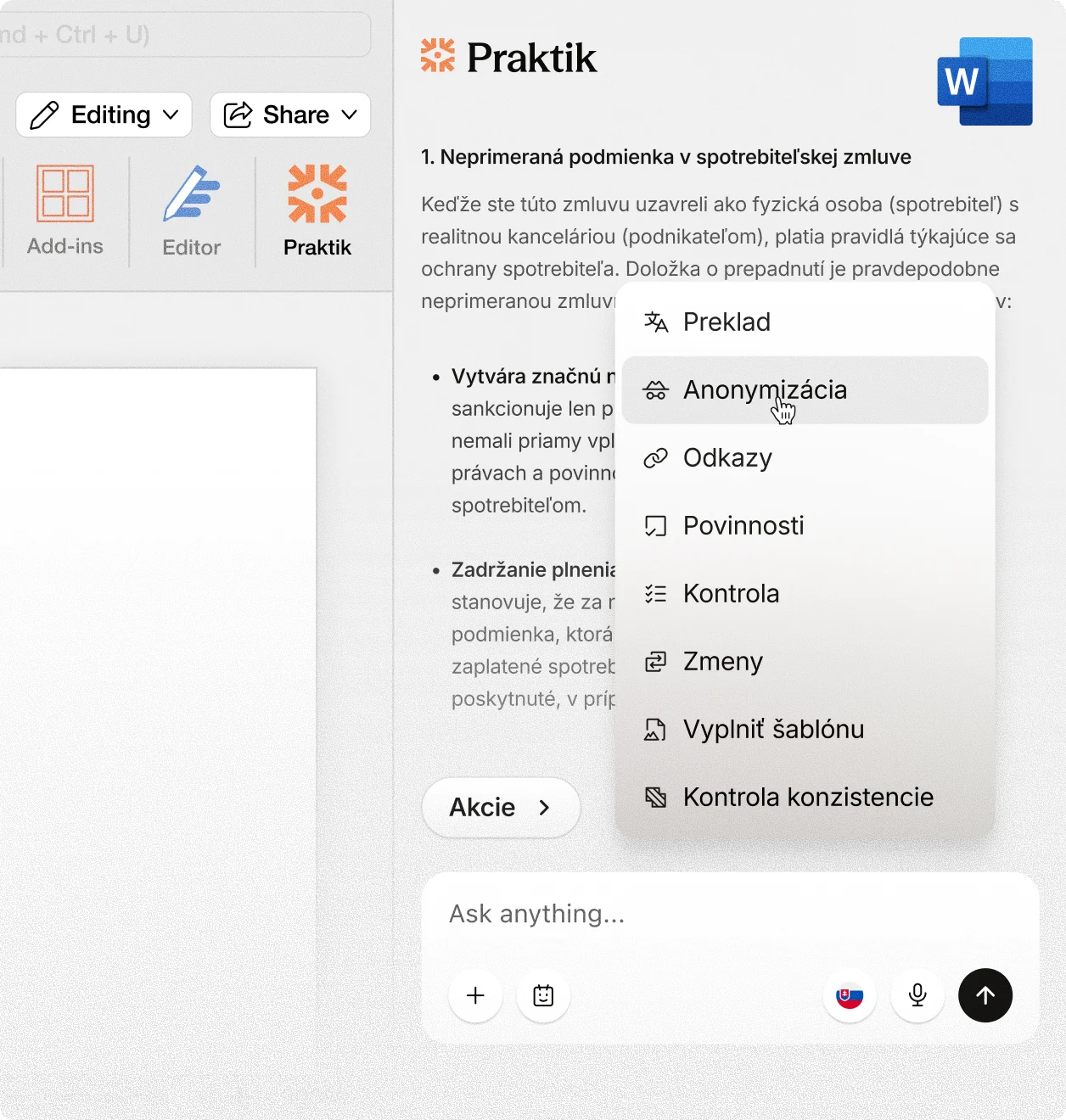
Anonymization
Praktik replaces sensitive personal data without requiring you to review the entire document page by page. Before saving, you can inspect every item Praktik found.
- Automatic detection: Praktik reliably locates names, addresses, personal identification numbers, and other identifiers.
- Secure replacement: Sensitive passages are replaced with suitable pseudonyms or blank fields.
- Final review: Manually inspect every detected item before saving the final document.
Security and compliance
Strict security standards designed specifically for the needs of law firms and legal practice.
- EU-only servers: Your information never leaves the European region and is fully encrypted.
- Strict GDPR compliance: Client information is protected to the highest legal standards.
- Confidentiality protection: Your information and uploaded files are never used to train AI models.
- Aligned with SBA standards: Praktik fully respects the Slovak Bar Association resolution on the use of artificial intelligence tools.
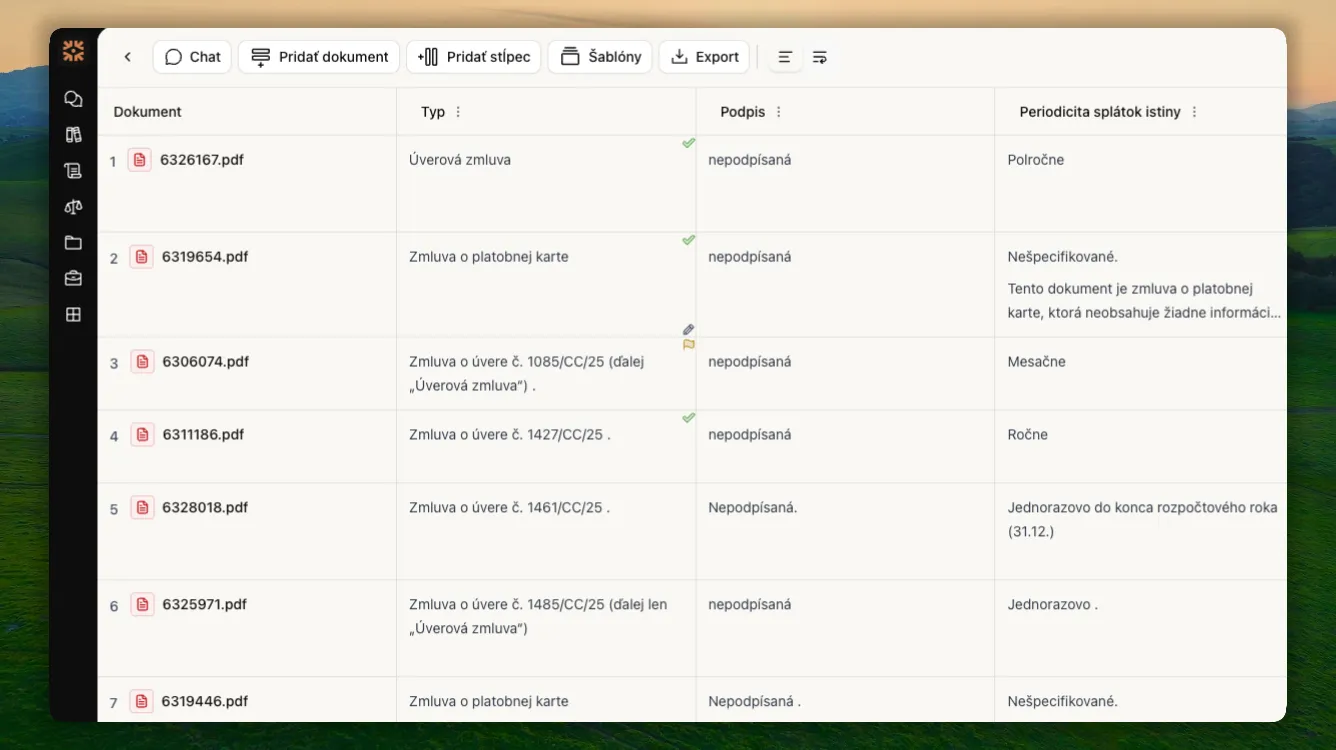
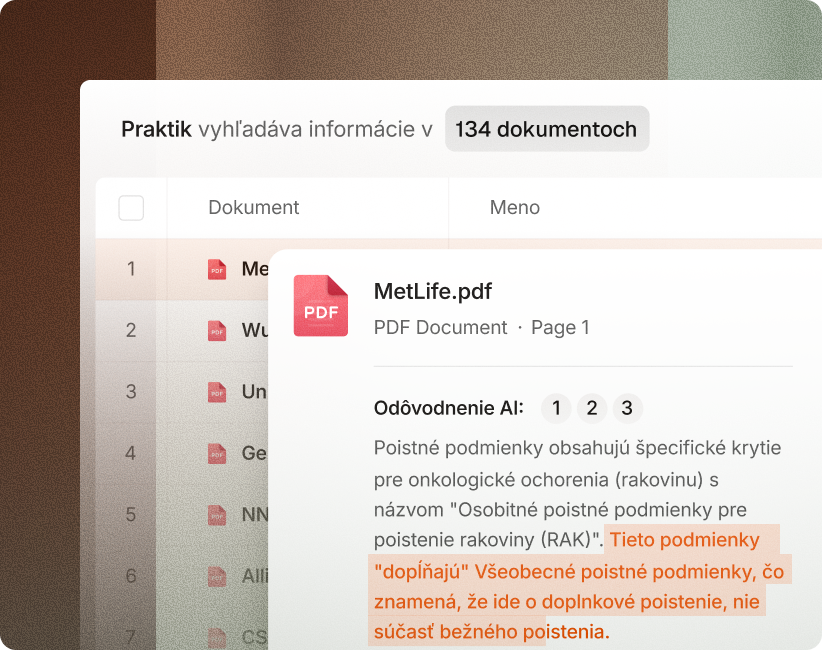
Due diligence on 100+ contracts without weeks of manual ctrl+F searches and copying into spreadsheets.
“It results in significant savings in administrative time — the back-office work, organizing documents, and searching. And that saved time can be devoted to what really matters.”

Damian PalaštaSIGNUM legal






Ordinary AI just guesses. Praktik knows.
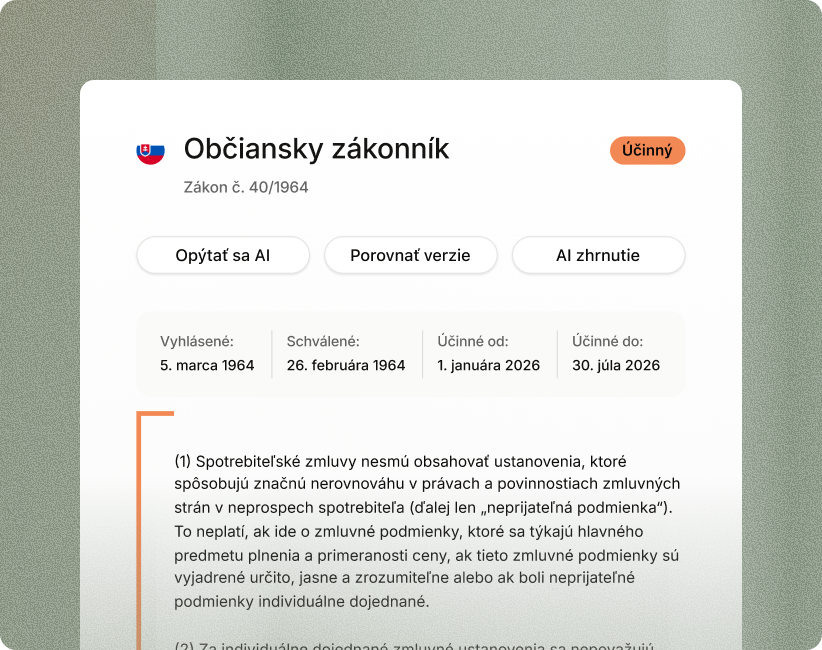
Instead of the general internet, we draw exclusively from official Slovak and Czech registers. Every answer is immediately supported by a precise citation and source link.
More about legal sources


Designed to keep your data safe
We process all contracts and documents on protected European servers. We guarantee complete privacy and never use your data to train AI models.
Full security detailsFrequently asked questions
Answers to the most common questions about Praktik features and solutions.