Summer recap
A quick recap of Praktik’s summer updates: projects, an improved agent, better document handling, tabular analysis, Word and Outlook add-ins, and new integrations.

Denis Čapkovič
CEO & Co-FounderOver the summer, we worked hard to improve Praktik. This included major milestones such as better agents, significantly improved document handling, and projects, as well as numerous smaller improvements that make Praktik easier to use every day. Here is a brief overview of what we added or improved.
Agents and projects: one shared space for the entire task
We added projects to Praktik (documentation). This means that every chat and document is assigned to a specific project. A project has a name and description and is accessible only to you—or, if you work within an organization, to other members you grant access to. This allows you to work on a project together or independently.
Projects also let you set custom instructions and context. These are automatically available and used whenever you work in that project, whether you are working in chat, with legislation, or directly in Word. You can easily provide project information such as client or case details, or specify the communication style you want to use, without having to enter it every time.
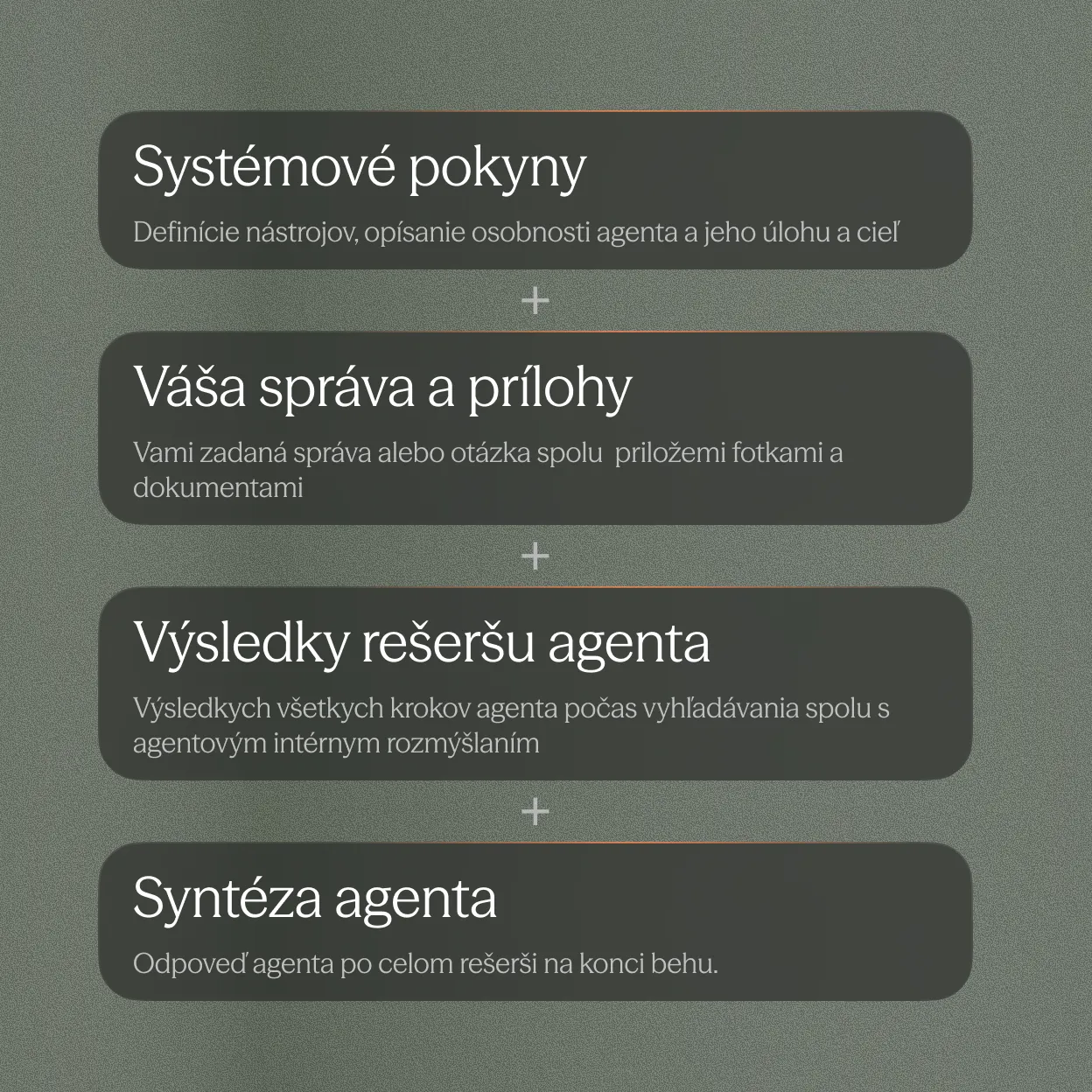
As part of projects, we also significantly improved the chat itself and enabled the agent to complete work from start to finish. The agent can search documents, legislation, court decisions, and other official sources more effectively. It can work better with images and different types of documents, and ask for your help when needed.
We have an entire Academy section introducing the new agent, but in short: we added a new task complexity setting that selects a model better suited to the work at hand. We also added a dedicated planning mode, which we recommend for achieving better results. In this mode, you and the agent discuss, define, and confirm what you want to achieve, what the agent should verify, how it should proceed, and what the output should look like. This produces better results because the agent has a clear definition of what is expected.
Documents and tabular analysis: from source material to a clear overview
Documents are the foundation of legal work, whether as input, output, or supporting material for answering a question. It is therefore important that they are processed properly, stored securely, and easy to find—both for you and for the agent.
The agent now has access to all documents within a chat. This means you no longer need to make specific documents available to it; simply tell it what to do. Whether you have contracts, templates, or commentaries uploaded to a project, the agent can find them and use them in its response.
When the agent refers to a document, it can cite specific sections, so you do not have to search for the source of the information. Praktik can handle Word documents, PDFs, and scans, even when they contain complex tables or images.
Tabular analysis is another new way to work with documents. It allows you to reliably extract information from a large number of documents and verify it easily. Tabular analysis has been available for some time, but only to selected clients, so we are pleased that we can now make it available to everyone. We also have an Academy video about it: Tabular analysis.
Other changes across Praktik
There are dozens of other improvements and new features, both large and small. We would, however, like to highlight a few that we believe you can use immediately.
Better work in Word—and now in Outlook too
The Word add-in has been available for some time, but over the summer we made it more reliable. It works with documents more effectively, and the changes it makes are easier to review.
We also added an Outlook add-in alongside the Word add-in. You can now draft emails, research questions, or upload documents from attachments directly to Praktik. You can find the installation guide here.
More legal and official sources
We already provide many information sources, but our goal is to cover every source that can help you in your work. We added MPK, ÚRSO, and PMÚ. We also worked on sources from the Slovak Financial Administration and the Czech National Bank.
External connections
In addition to uploading documents and installing the Outlook add-in, we added integrations with SharePoint, OneDrive, and Outlook directly within the Praktik application. This means you can connect these services and then use them directly in chat.
If your documents are stored in OneDrive, you no longer need to move and upload them to Praktik manually. You can leave them where they are and simply connect Praktik to OneDrive. You or the agent can then work with the documents directly in Praktik. Similarly, you can connect Outlook, search emails or attachments directly from Praktik, and find the information you need faster.
Webinar: see it in practice
The best way to understand these updates is to see how they can be used in practice. We have therefore prepared a webinar where we will show you how to set up the new features—and, most importantly, how to use them to improve your day-to-day work.