Install the Praktik add-in for Microsoft Outlook directly from the Outlook add-ins menu.
Installing the add-in
1. Open the add-ins menu
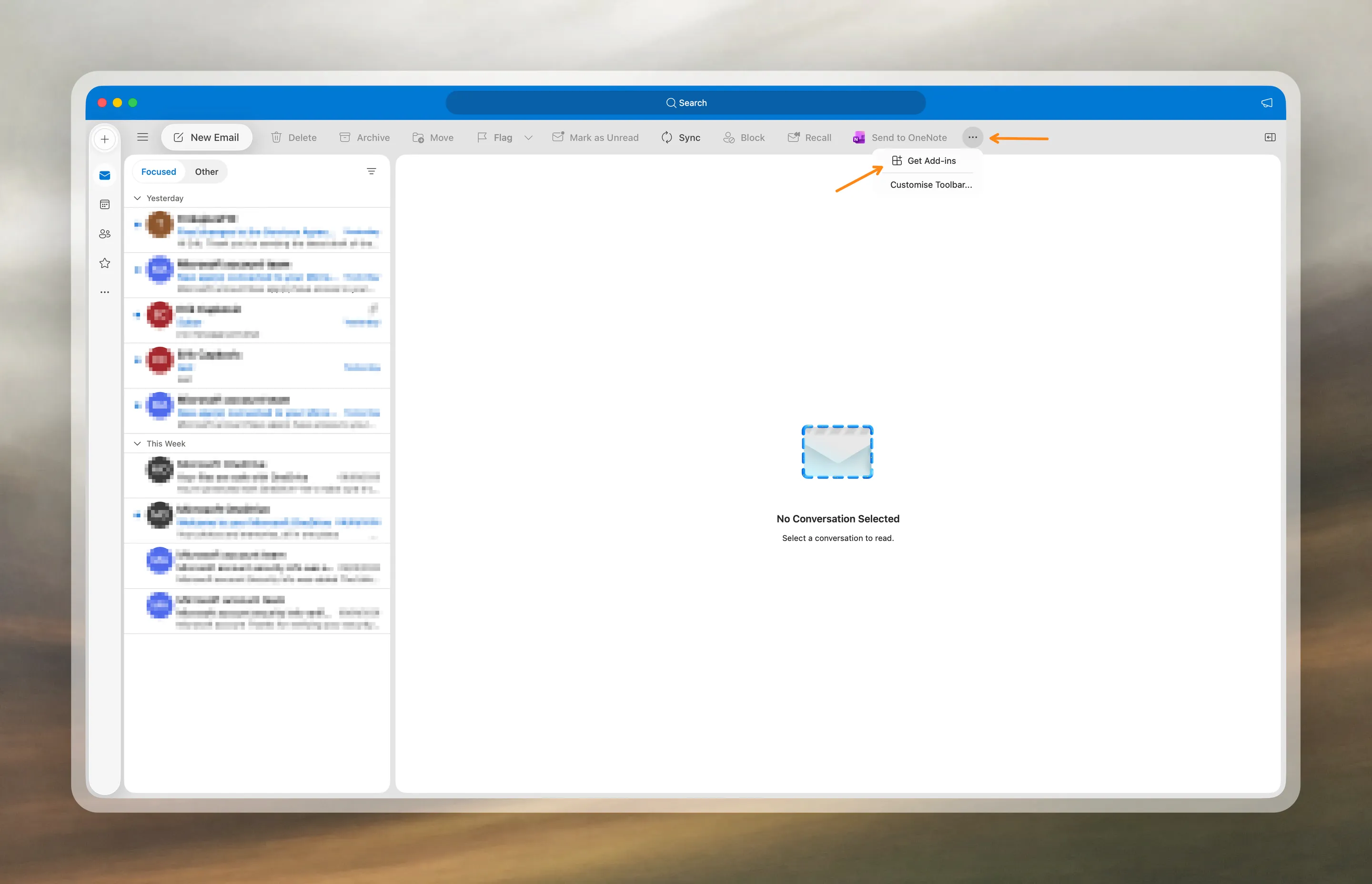
In Outlook, click the three-dot button and select Get Add-ins.
2. Find Praktik
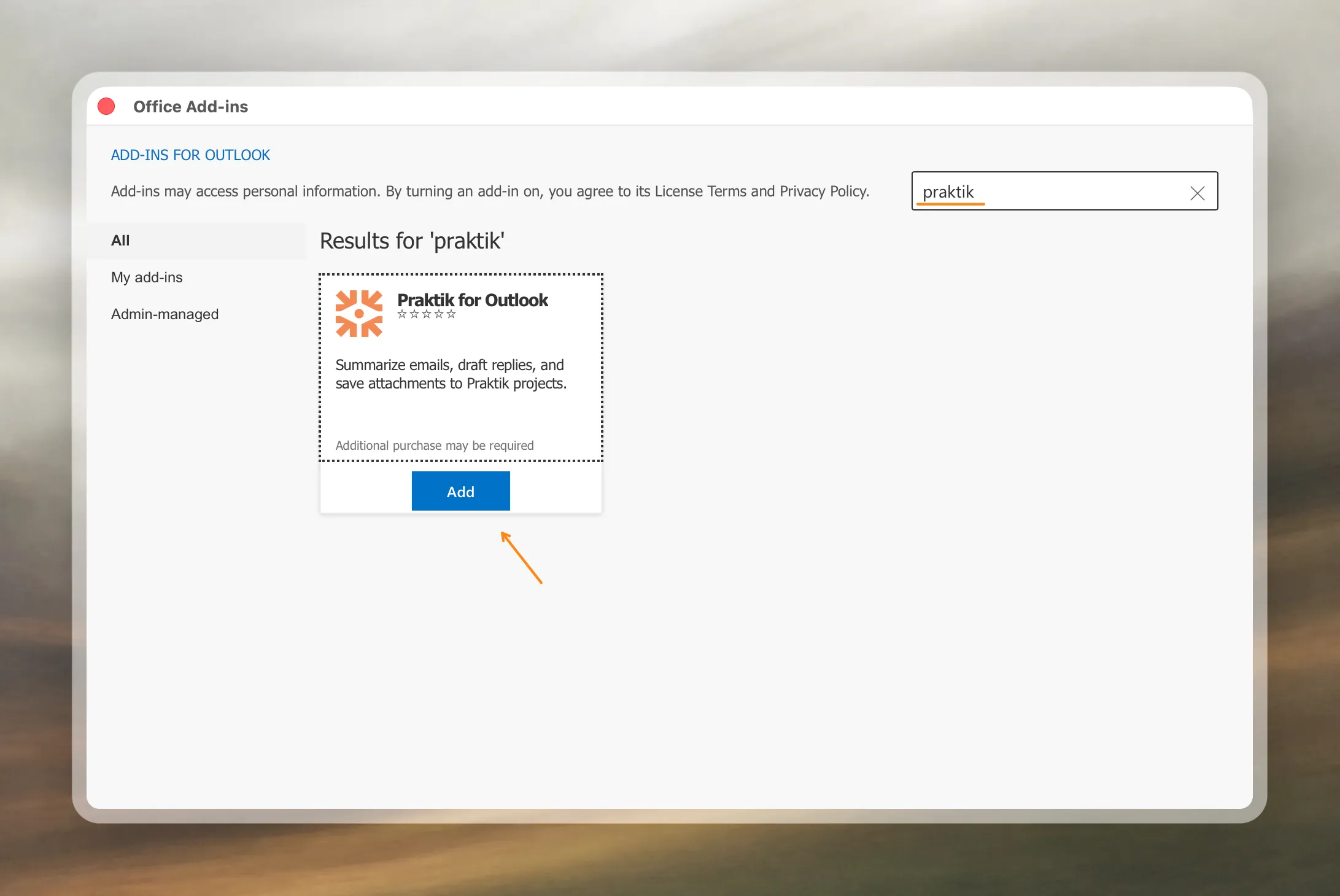
Search for Praktik and select Praktik for Outlook.
3. Add the add-in
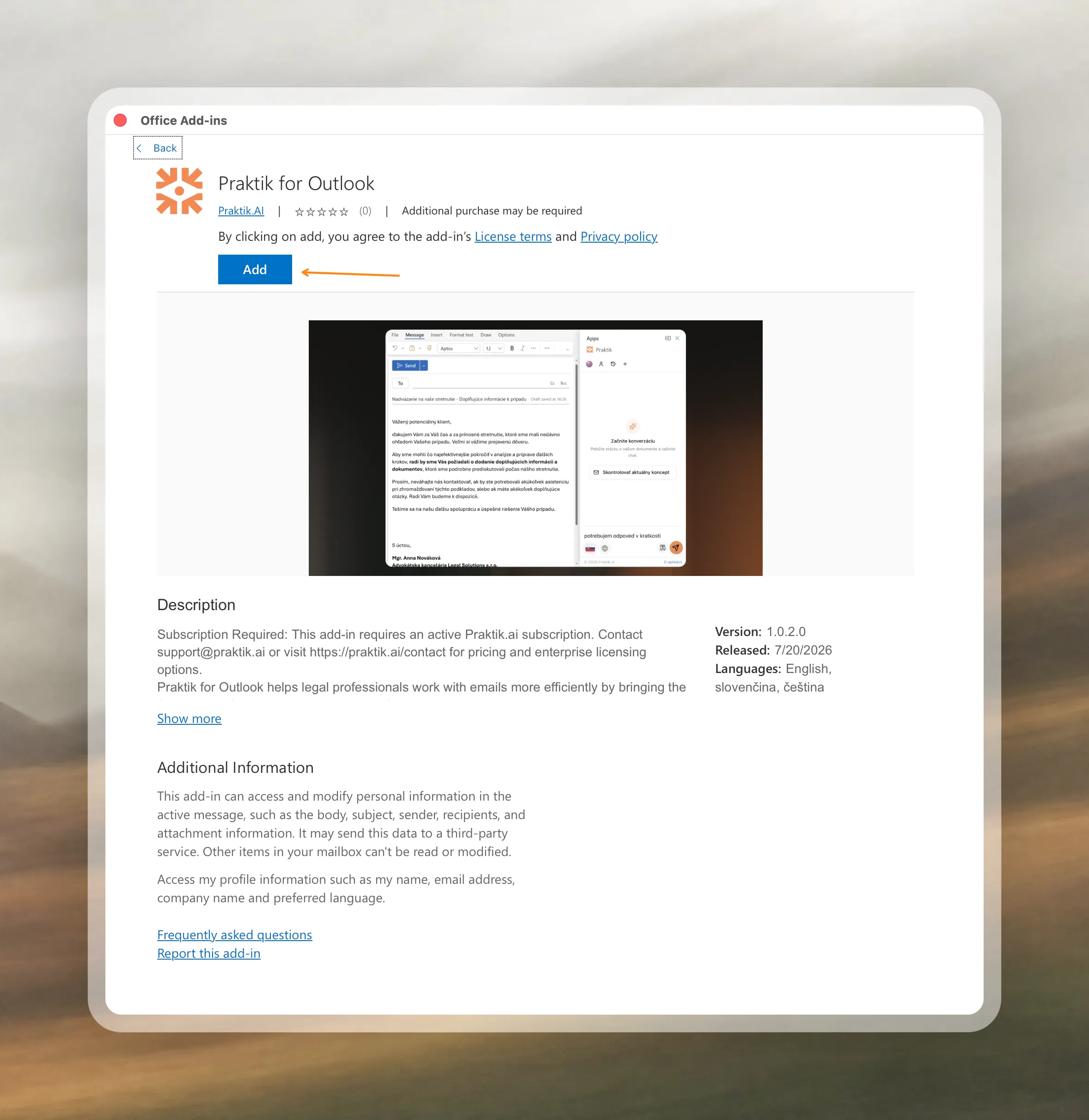
On the add-in page, click Add. When installation is complete, you can use Praktik directly in Outlook.