
Quick Search lets you move around Praktik and find legislation without leaving the page you are currently on.
Opening Quick Search
Press Ctrl-K on Windows/Linux or Cmd-K on macOS.
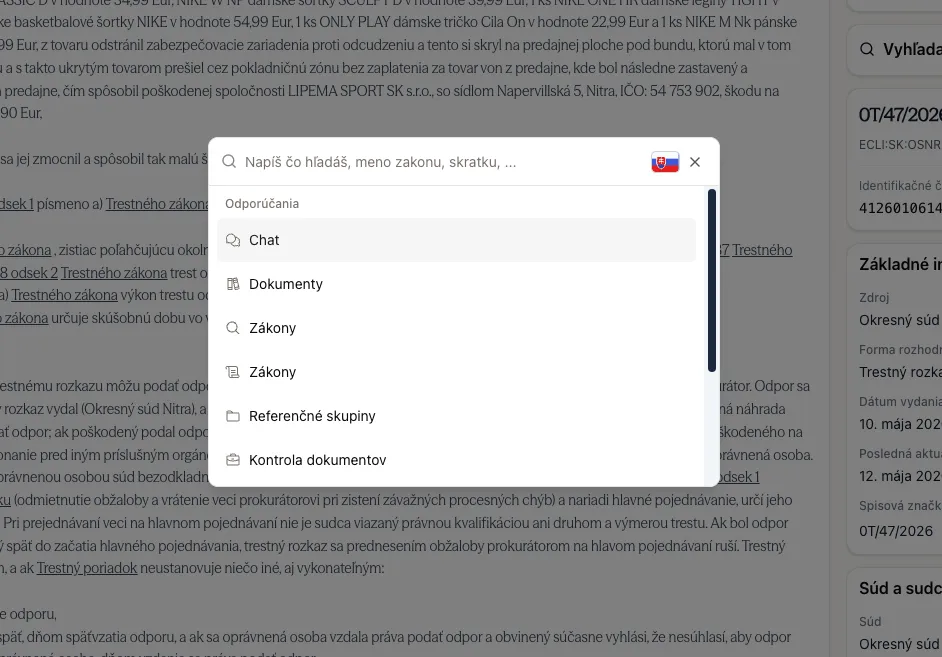
A search menu opens on top of the current page. Start typing immediately to search, or choose one of the recommended destinations.
What you can do
Navigate around the app
Quick Search includes shortcuts to commonly used areas of the app. Type the name of a section, a related keyword, a common alternative name, or an abbreviation such as OZ. For example, you can type terms such as “documents”, “laws”, “court”, “settings”, or their Slovak equivalents where available.
Search for legislation
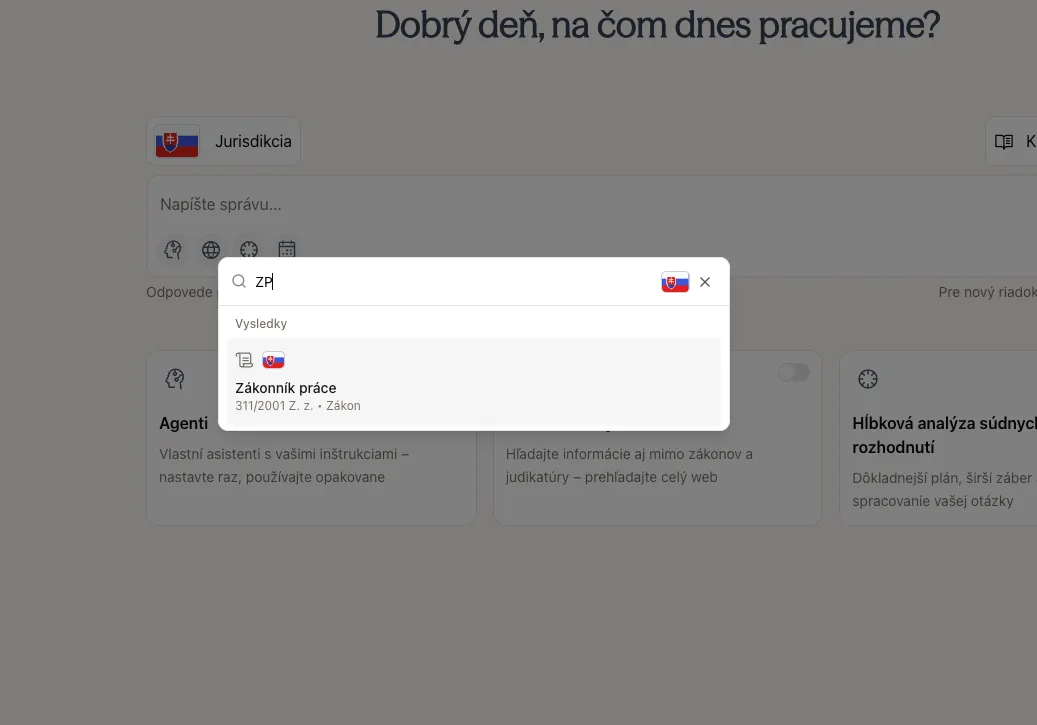
You can also search directly for legislation from the same menu. Search works with:
- Official names of acts and regulations
- Common short names and abbreviations, such as OBZ or PZ
- Legislation numbers and codes, such as
311/2001or1/2023 - Topic-style queries, where available in the legislation index
The jurisdiction selector in the search box determines which country or EU source set is searched.
Selecting a legislation result opens the latest available version of that legislation. If the result points to a specific section or paragraph, Praktik opens the relevant legal instrument and scrolls directly to that part.
Tips
- Use Ctrl/Cmd-K whenever you want to jump somewhere quickly.
- If you know a law number, type it directly.
- If you do not know the exact number, type the law name, abbreviation, or a few words describing what you are looking for.
- Change the jurisdiction before searching if you want results from another country.
Closing Quick Search
Press Esc, click outside the menu, or select a result to close the menu.