
The Praktik add-in for Microsoft Word brings legal research and document analysis directly into the environment where you prepare submissions and contracts. Installation takes less than a minute and requires no technical knowledge.
Installing the add-in
1. Open Microsoft Word
Launch Microsoft Word on your computer.
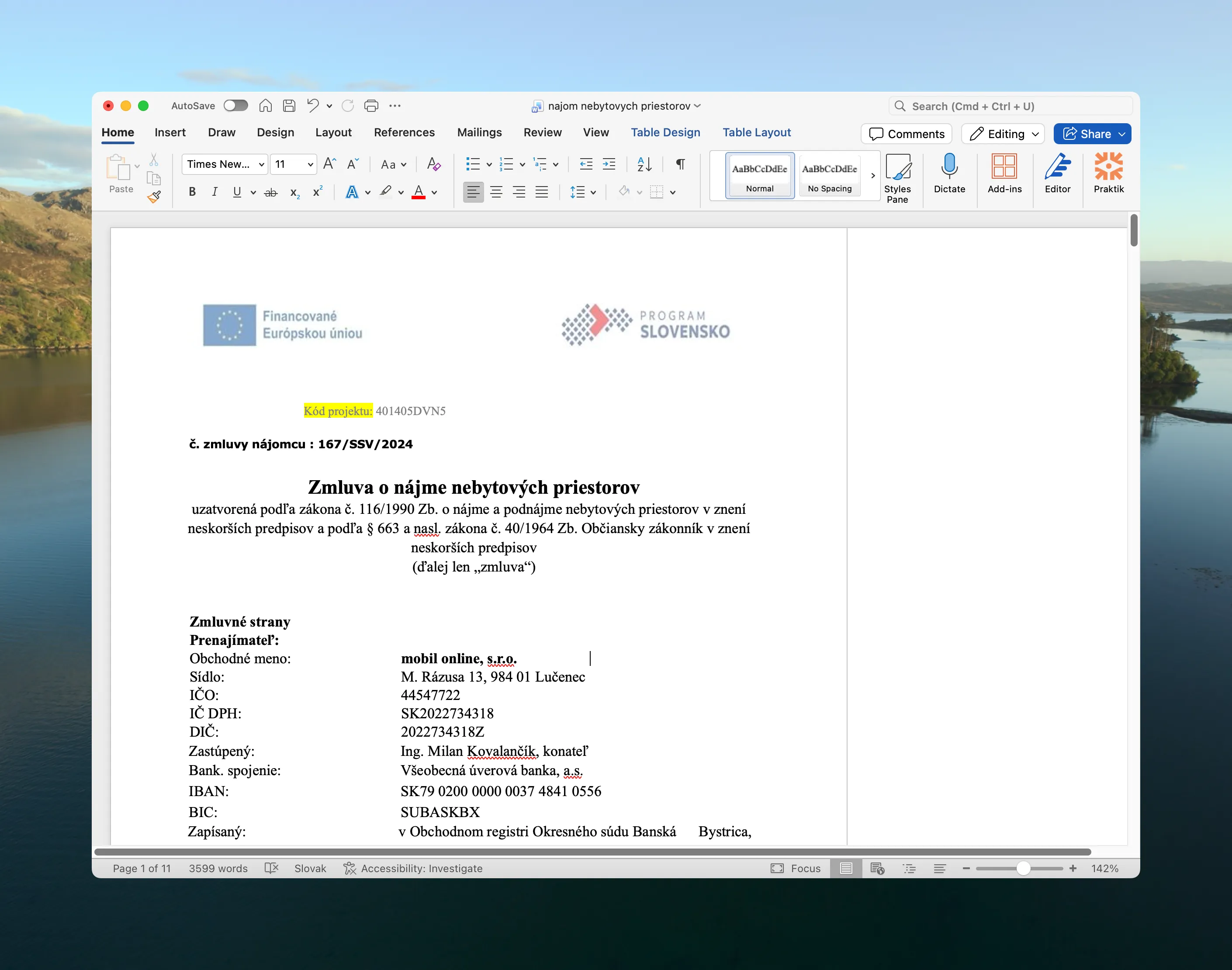
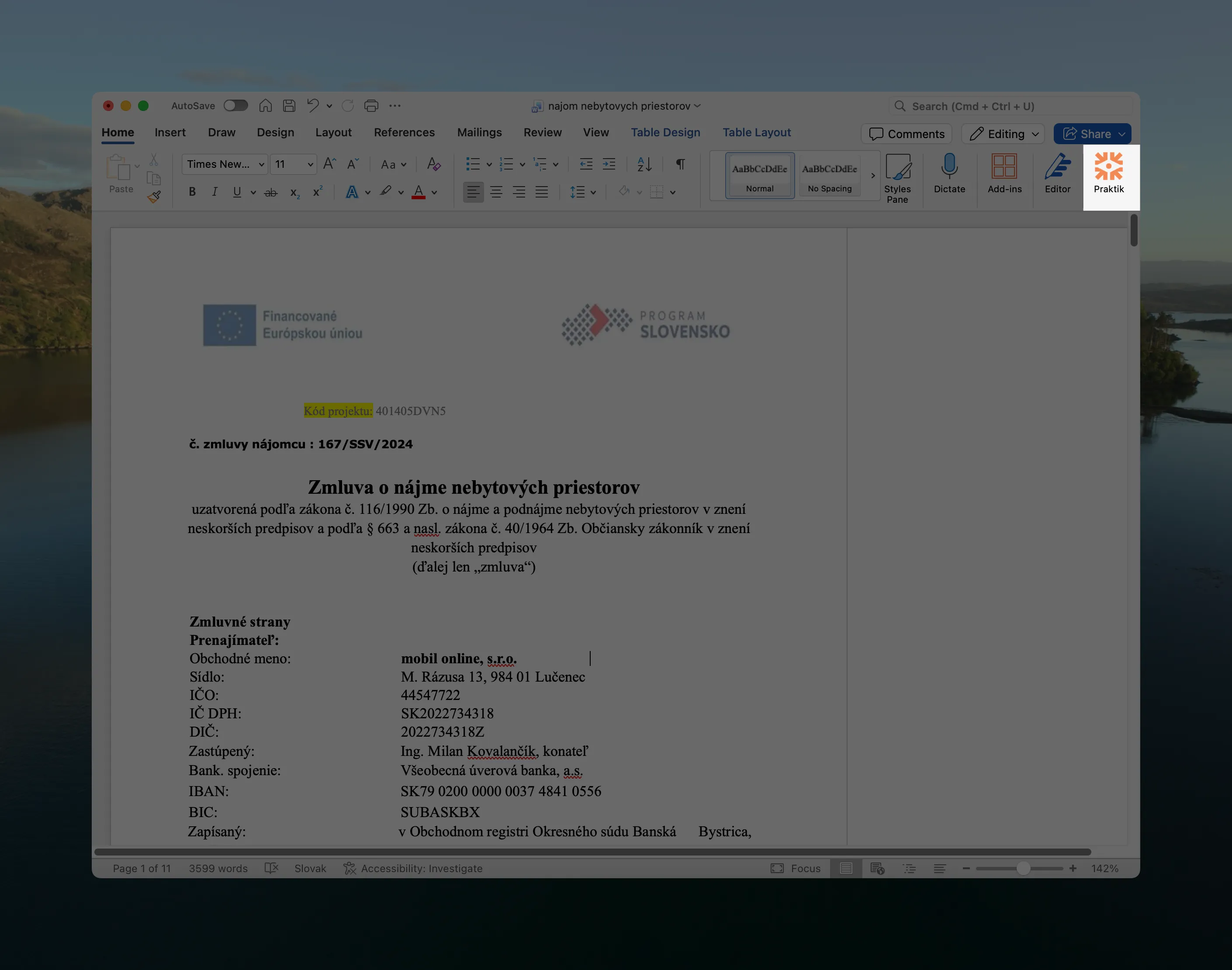
2. Navigate to Add-ins
In the top menu, click on Home and then on Add-ins.
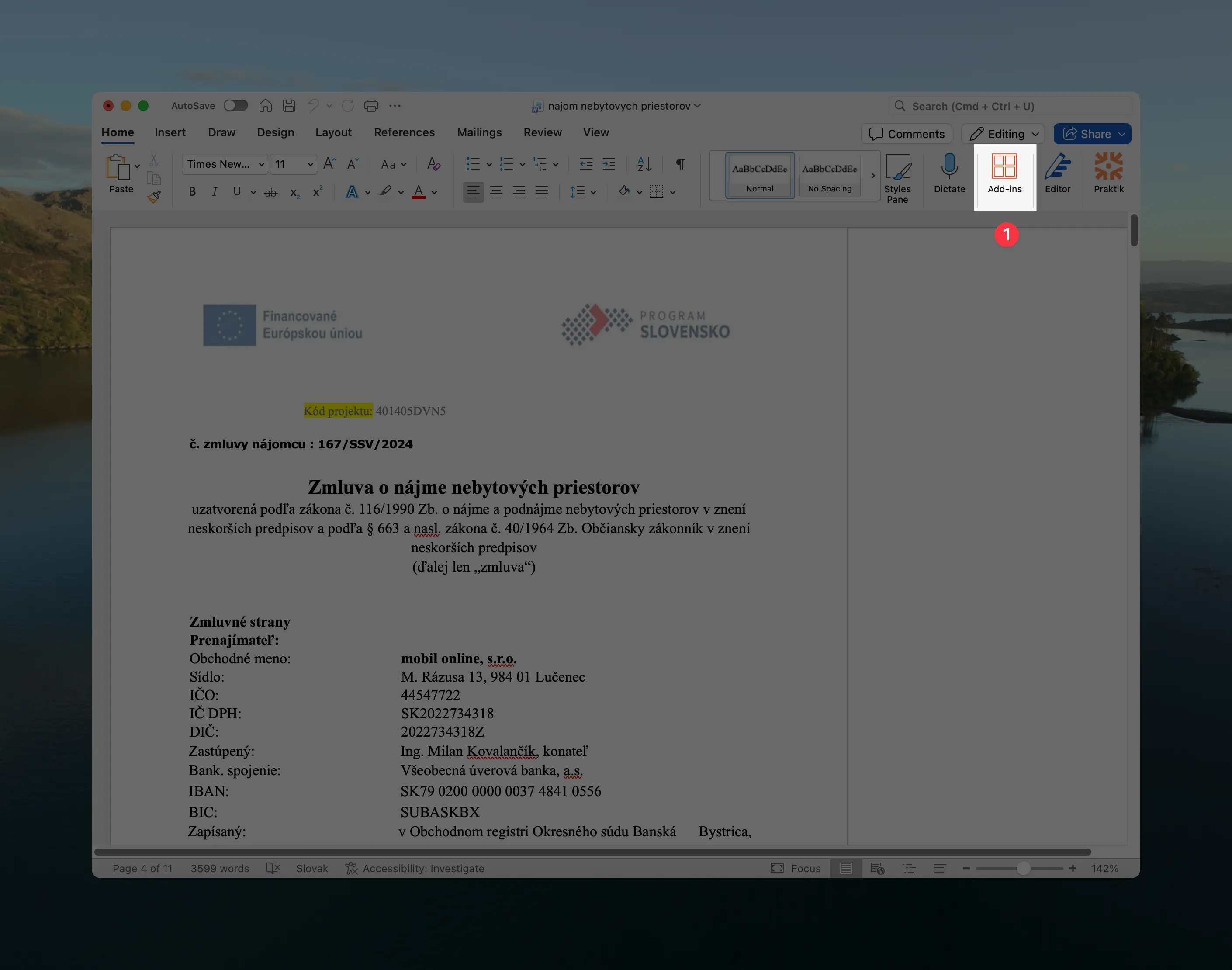
3. Click on More Add-ins
A popup window will open. Click on the More Add-ins button.
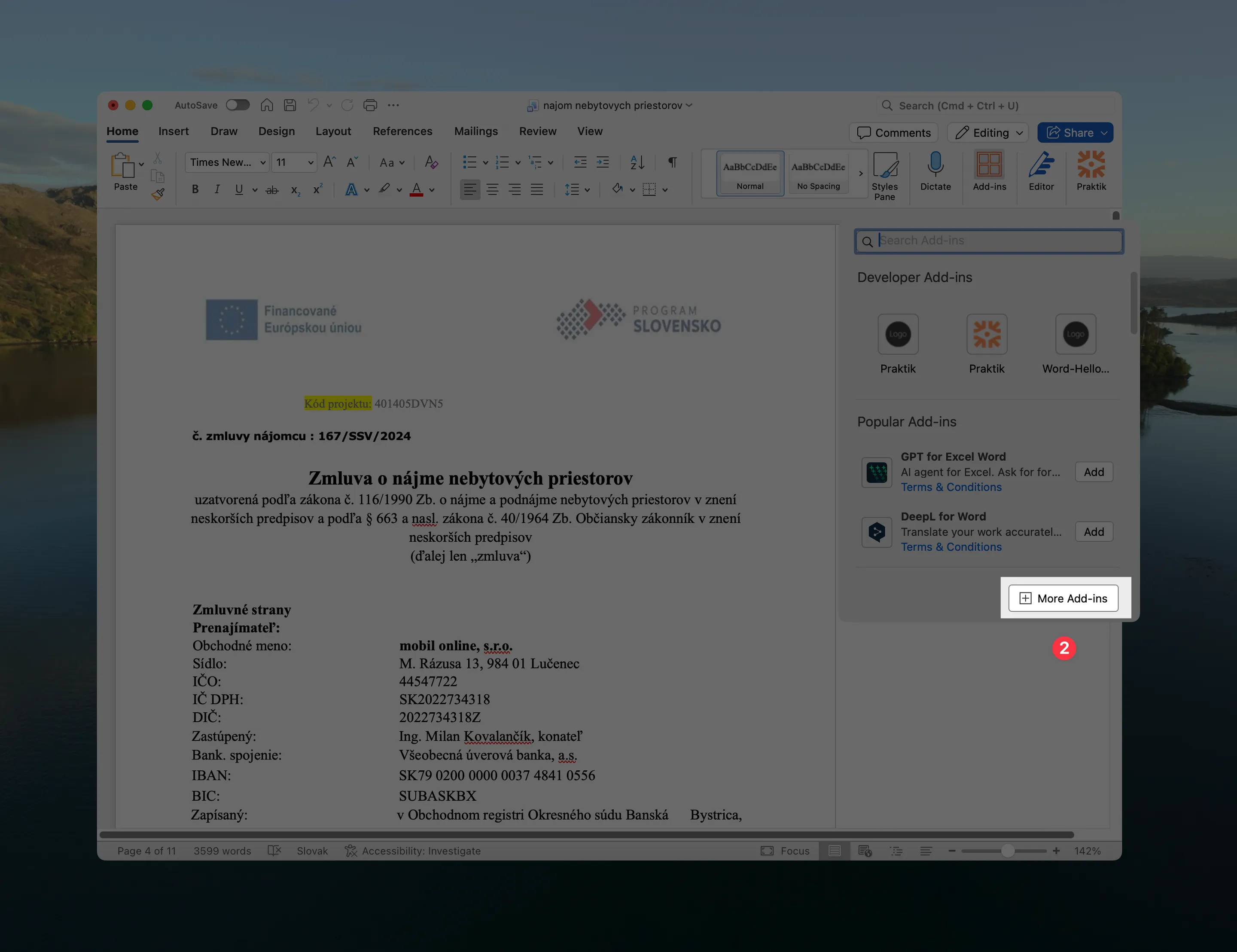
4. Search for Praktik and add the add-in
In the search field, type “Praktik” and click the Add button next to the Praktik.ai add-in. The add-in will install automatically.
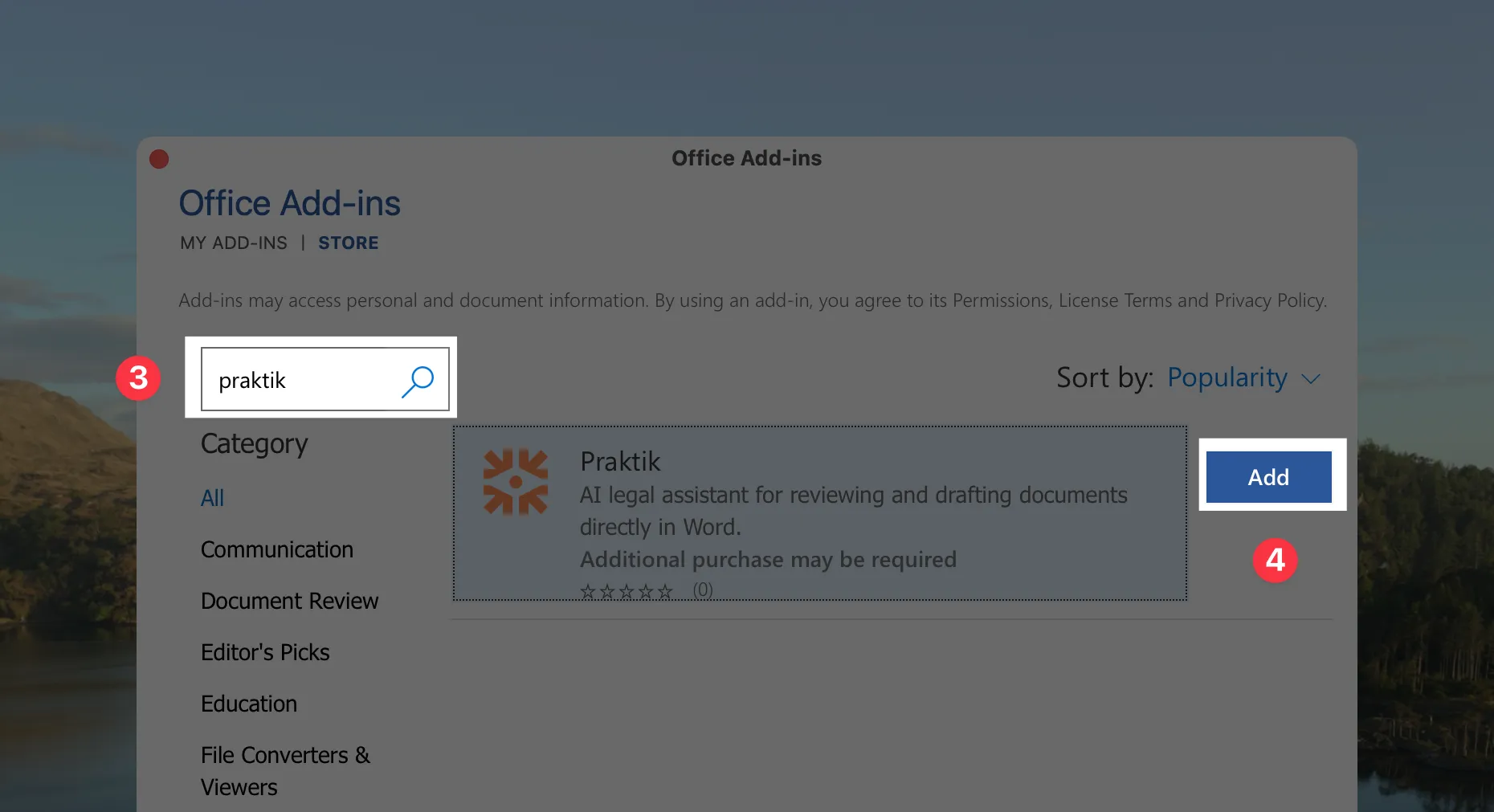
5. Open the add-in
After installation, the add-in will appear on the right side of the screen. If it doesn’t appear automatically, you can find it in the Home tab under Praktik.ai.
Next steps
With the add-in, you can get assistance with writing directly in Word, fill in templates according to instructions, review contracts, translate documents while preserving formatting, or check data in contracts.
More information:
- Introduction to Word add-in - basic overview of features and capabilities
- Document drafting - work with the assistant directly in a document
- Contract review - run checks configured in the web application
- Document anonymization - anonymize sensitive information
If you have questions about the Word add-in, contact us at support@praktik.ai.